INSTALLING THE IR-CUT FILTER
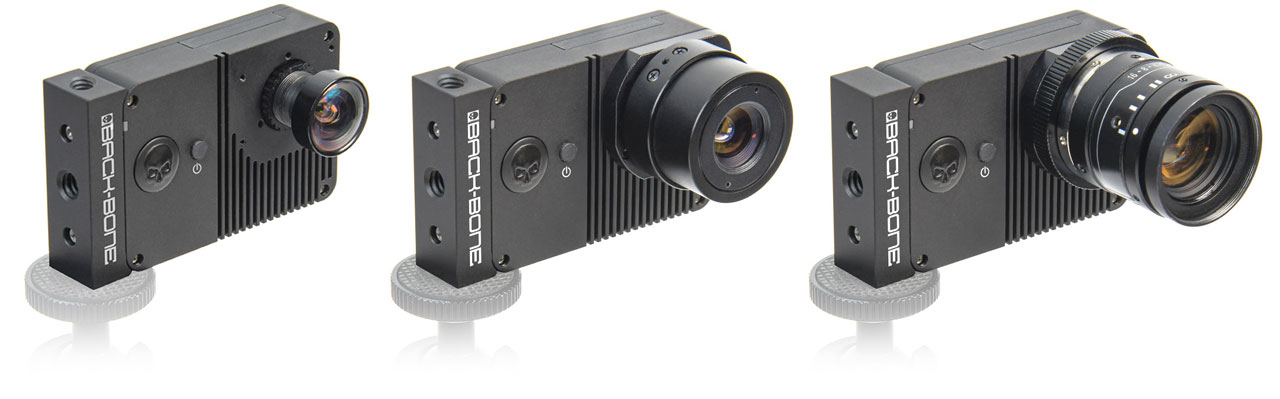
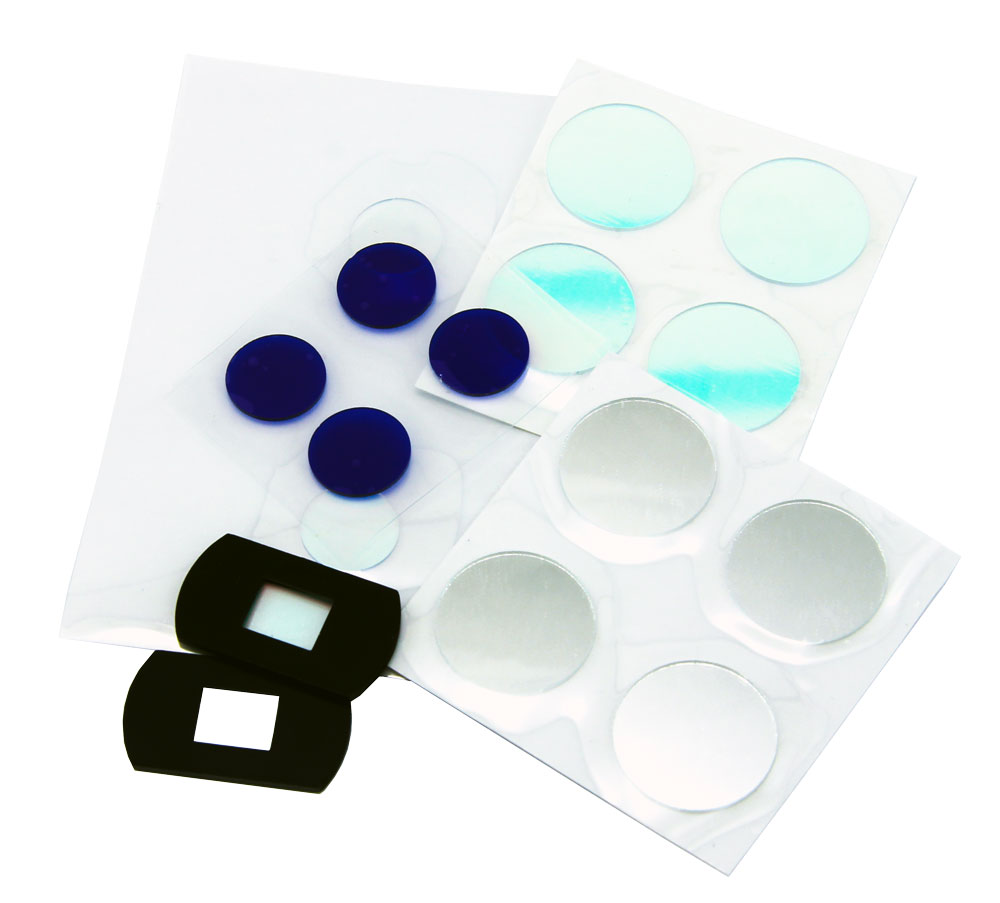
Your camera does not have an IR-Cut filter installed as it’s designed to be used primarily with M12 lenses which usually have the filter built in. The IR-Cut filter blocks infrared light so that your images have normal color and is recommended for use with CS, C-Mount and most other lens types. Filters are located in the red baggie supplied inside the camera case. Replacement filters are available in the accessories section of our shop.
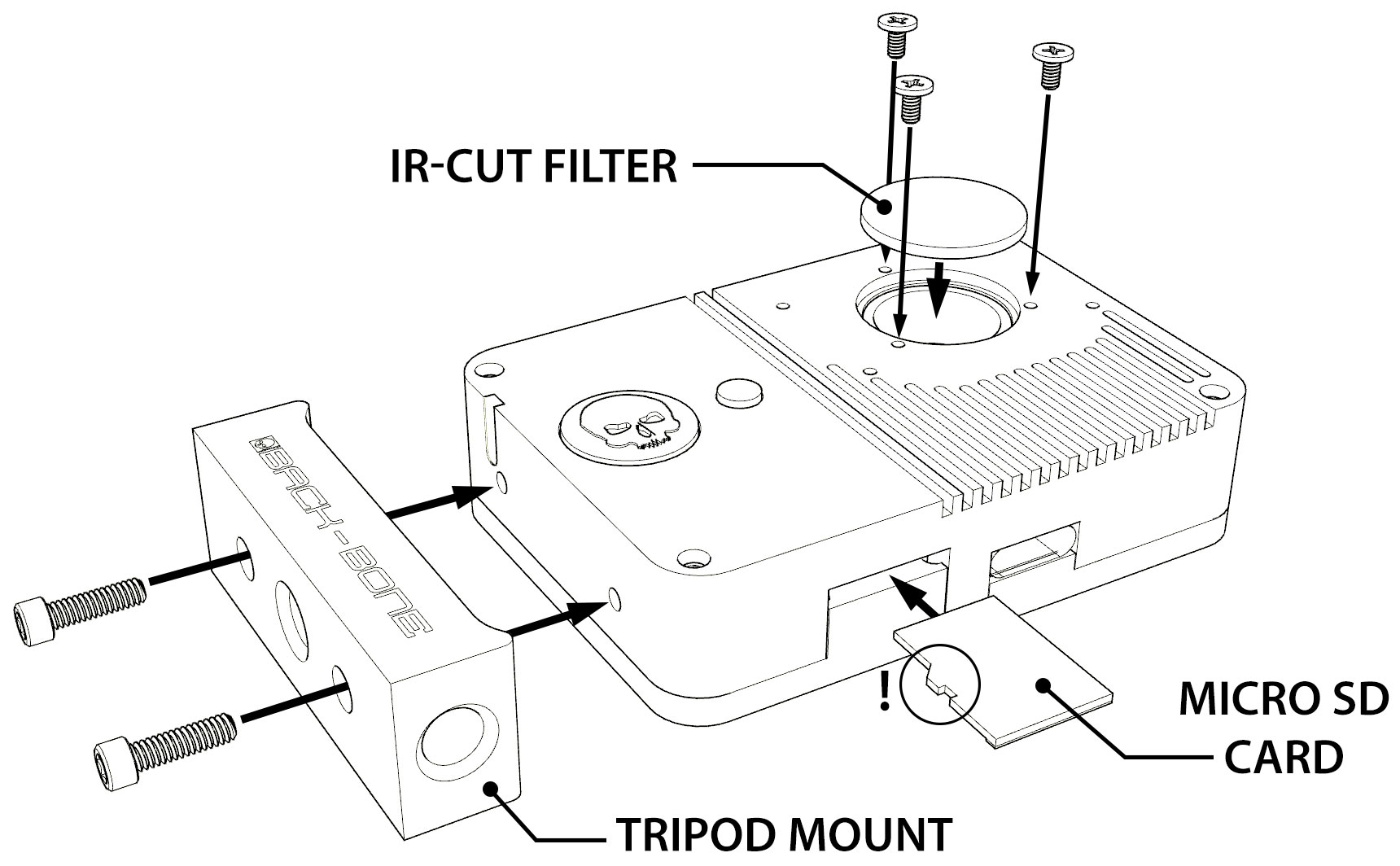
- Remove the IR-Cut filter from its protective packaging, take care to handle it by the edges.
- Drop the filter into the socket on the front of the camera
- Use the three short silver screws and a Philips #00 screwdriver to hold the filter in place.

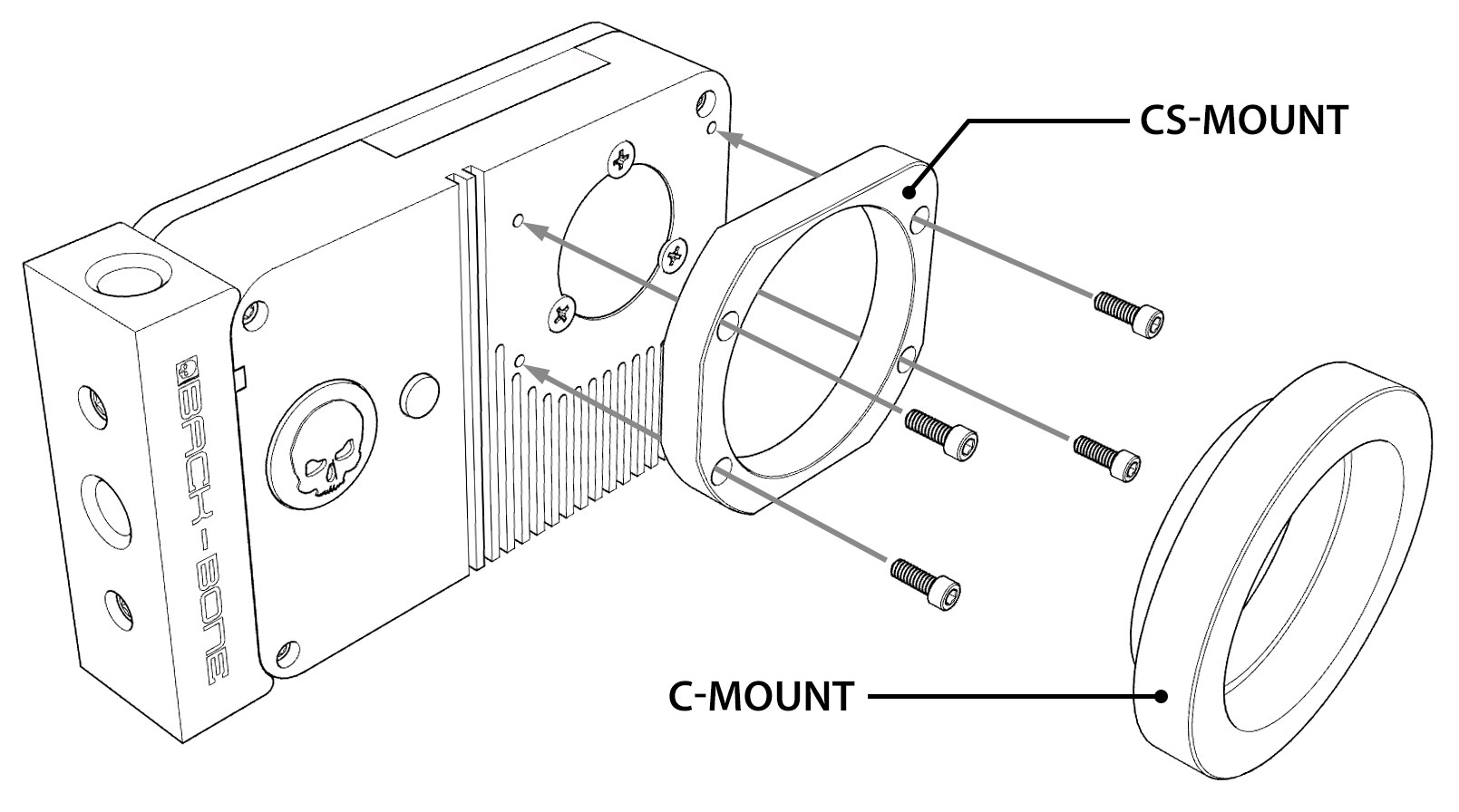
USING LENS ADAPTERS
If using C-Mount adapters to mount other lens types on your camera, make sure the 5mm C-Mount spacer is attached and the IR-Cut filter is installed. Visit www.back-bone.ca/shop for a wide selection of lens adapters.
Troubleshooting:
My camera turns off after just a few seconds! Use the small button to power on the camera instead of the larger one. Quick capture is triggered by default when you hit the large button so it will try and record. If no SD card is found it will simply turn off. Read the Hero5 manual for more information.
My footage looks pink! Most M12 lenses have a small pink/green filter on the back called an IR-Cut which prevents infrared light from reaching the sensor. If your footage looks pink this filter is likely missing, or you are using an ‘IR corrected’ lens which is designed for full spectrum & IR imaging.
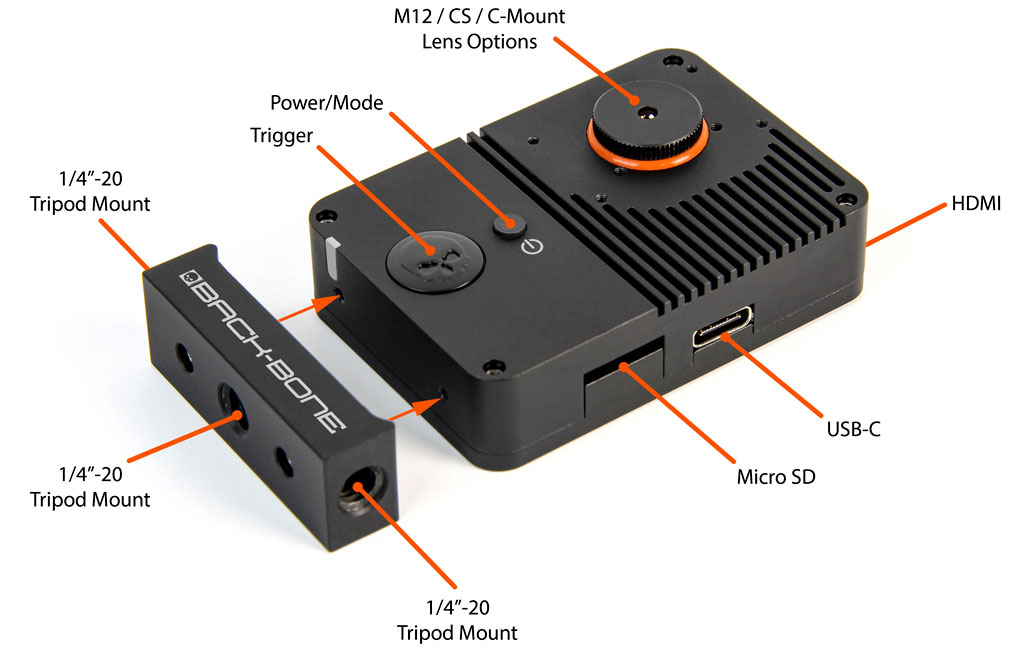
I can’t connect to the camera using the GoPro App: As described on the product page, the WiFi/GPS module has been removed from the camera in order to make it as small as possible. Therefor the app and wireless remote will not function.
Dark spots in footage: Your image sensor needs to be cleaned. Using an air puffer is usually enough to blow away any small particles that might have gotten on the sensor. A LensPen MiniPro is also a great tool for cleaning the small GoPro sensor. Also verify that there is no dust or debris on the back of the lens.
Images are blurry on one side: Likely your lens is not perfectly aligned with the image sensor. Some lenses have looser thread engagement than others which may cause a slight tilt. Try adding a layer of Teflon tape to the lens barrel as outlined in the tips.
When I shoot footage for 360 video, the image circle keeps moving around: When shooting content from circular fisheye lenses for stitching in 360 video software, make sure the image stabilization feature is turned off.

 Special Deals
 Legacy Products
 Limited Time Offers
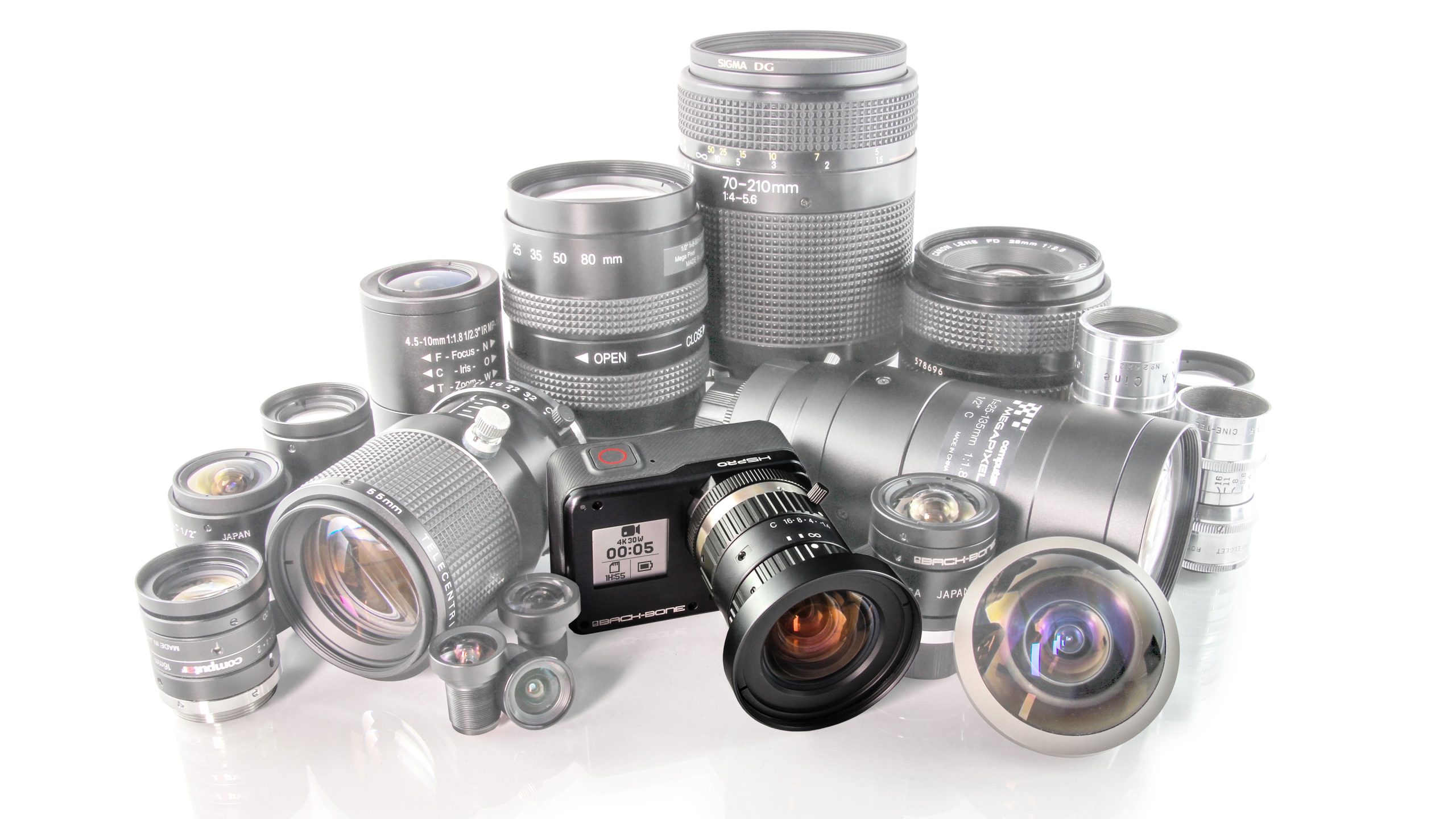 Open Box
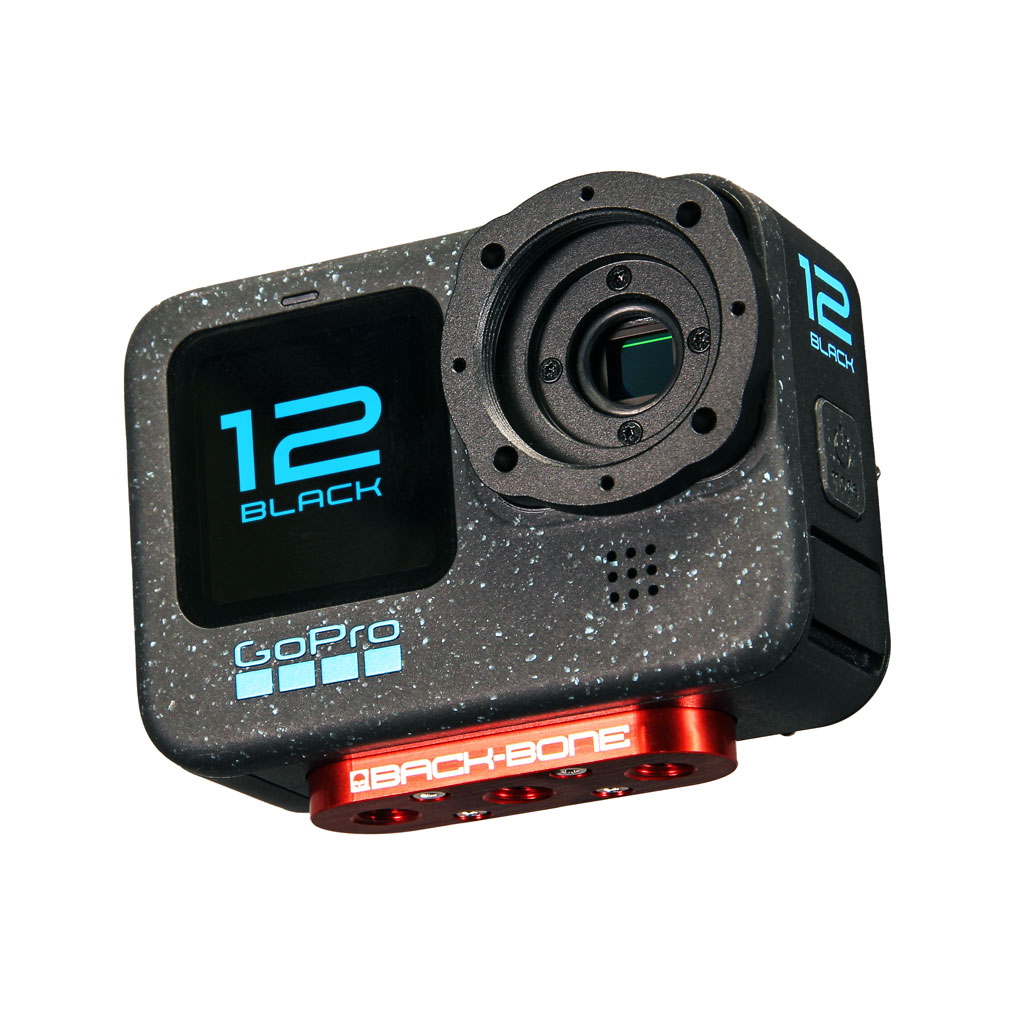 Modified Cameras and DIY Mod Kits
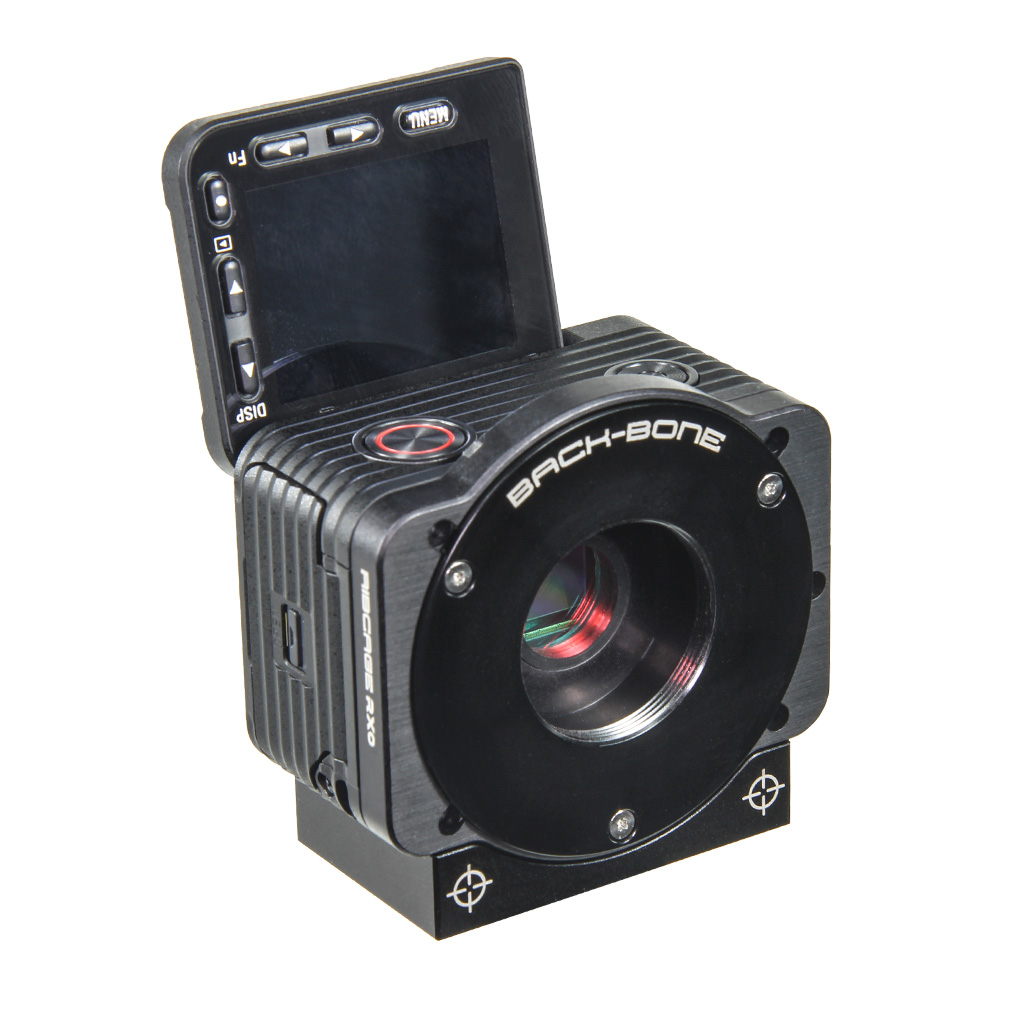 Cameras
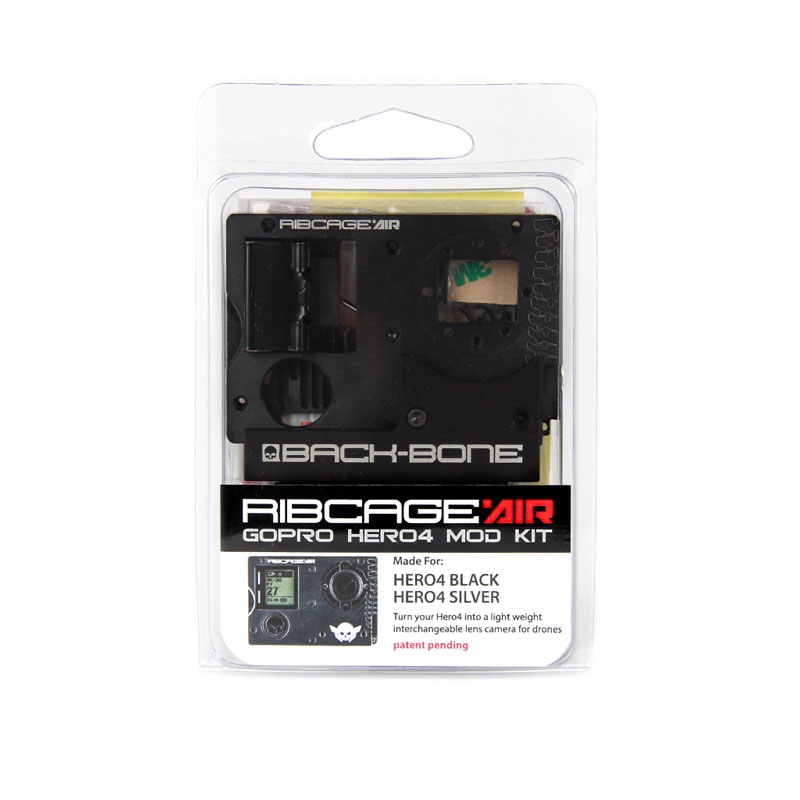 Mod Kits
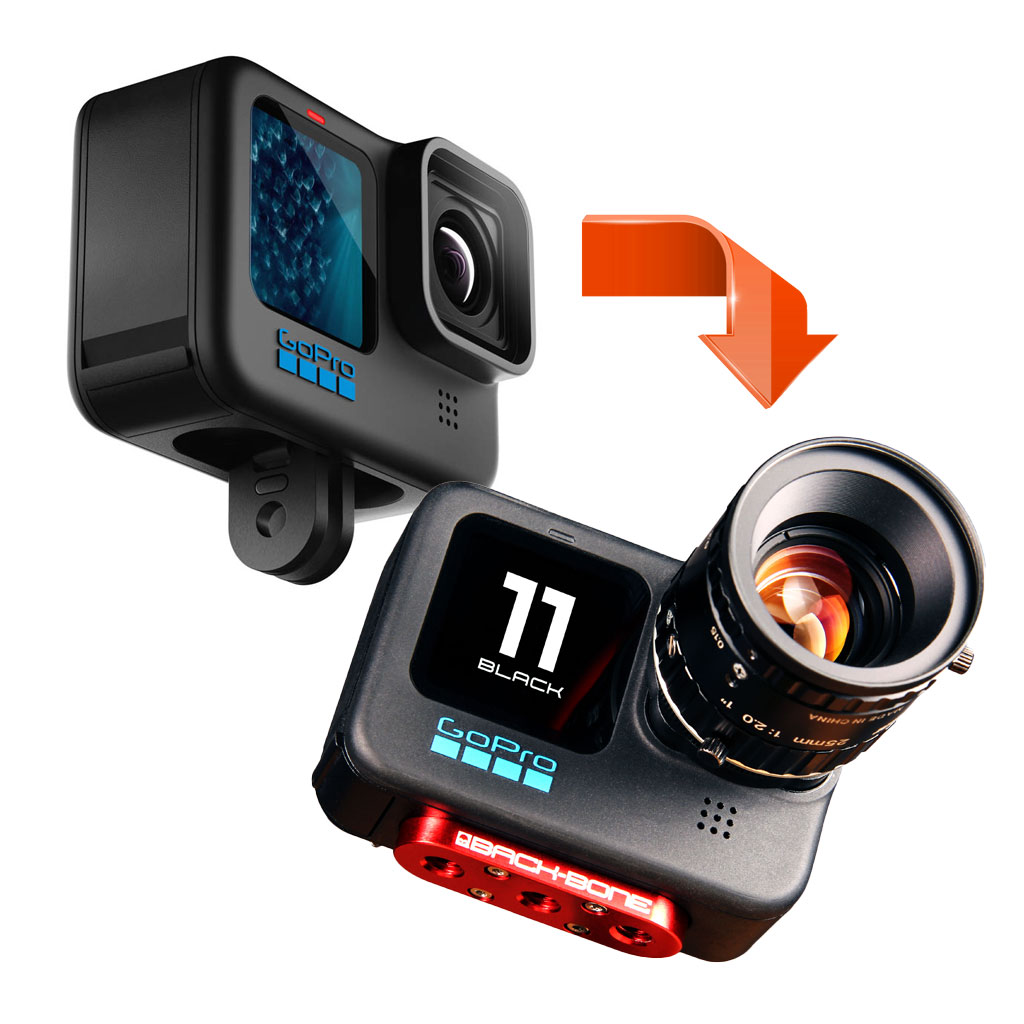 Installation Services
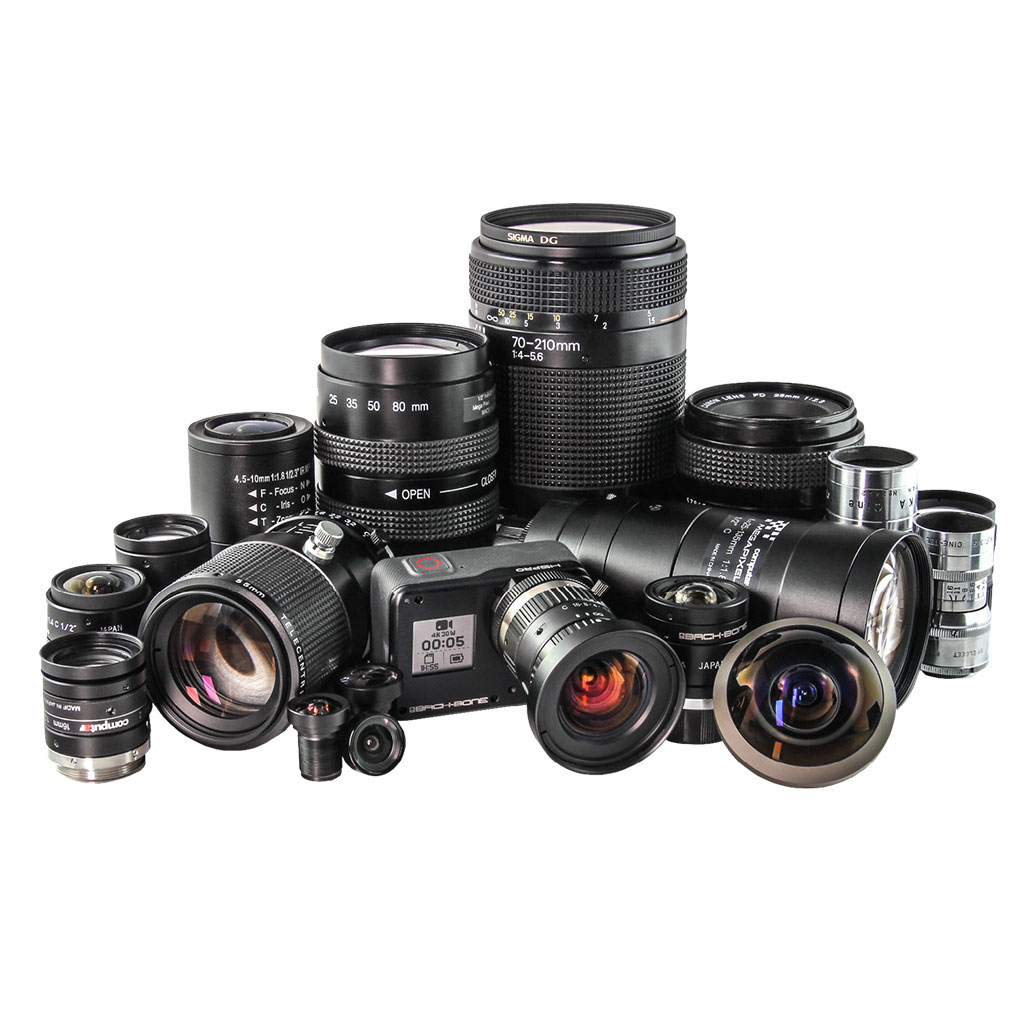 Lenses
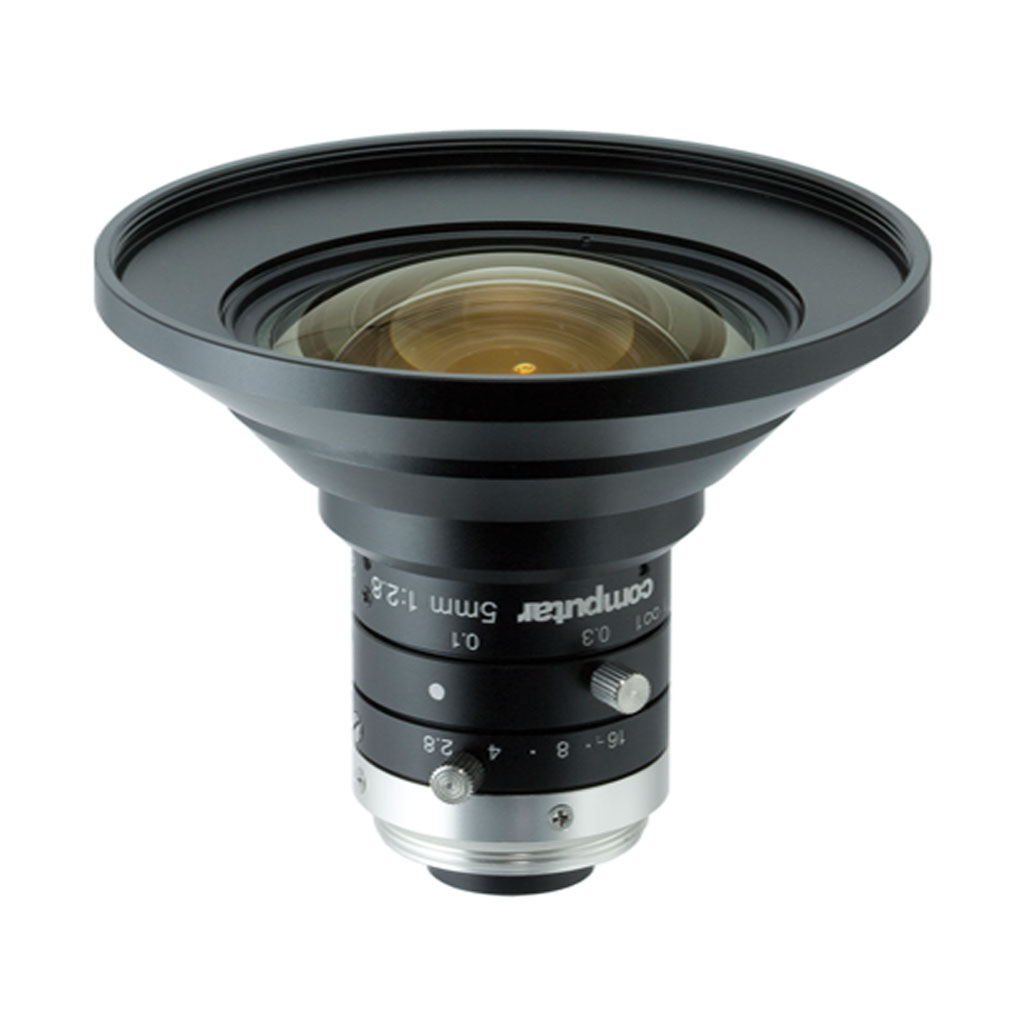 CS-Mount & C-Mount
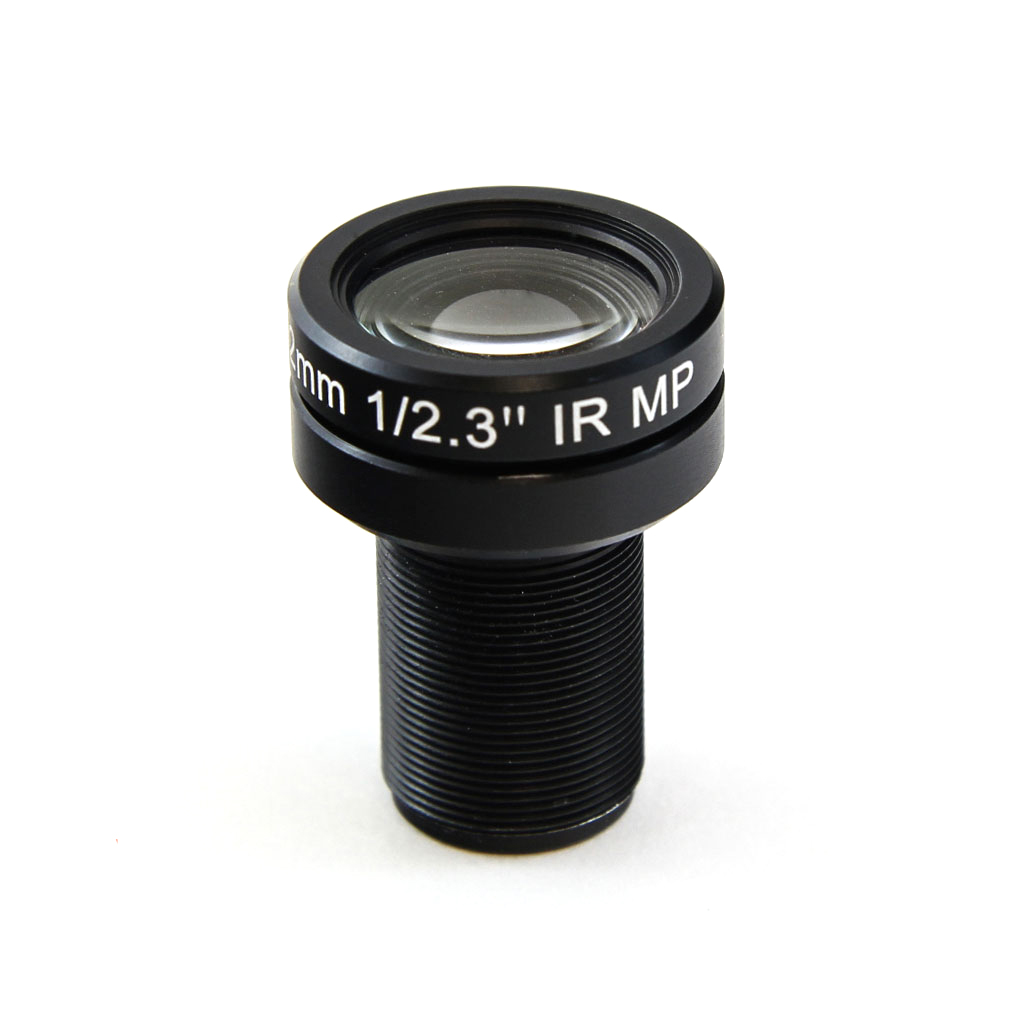 M12
M12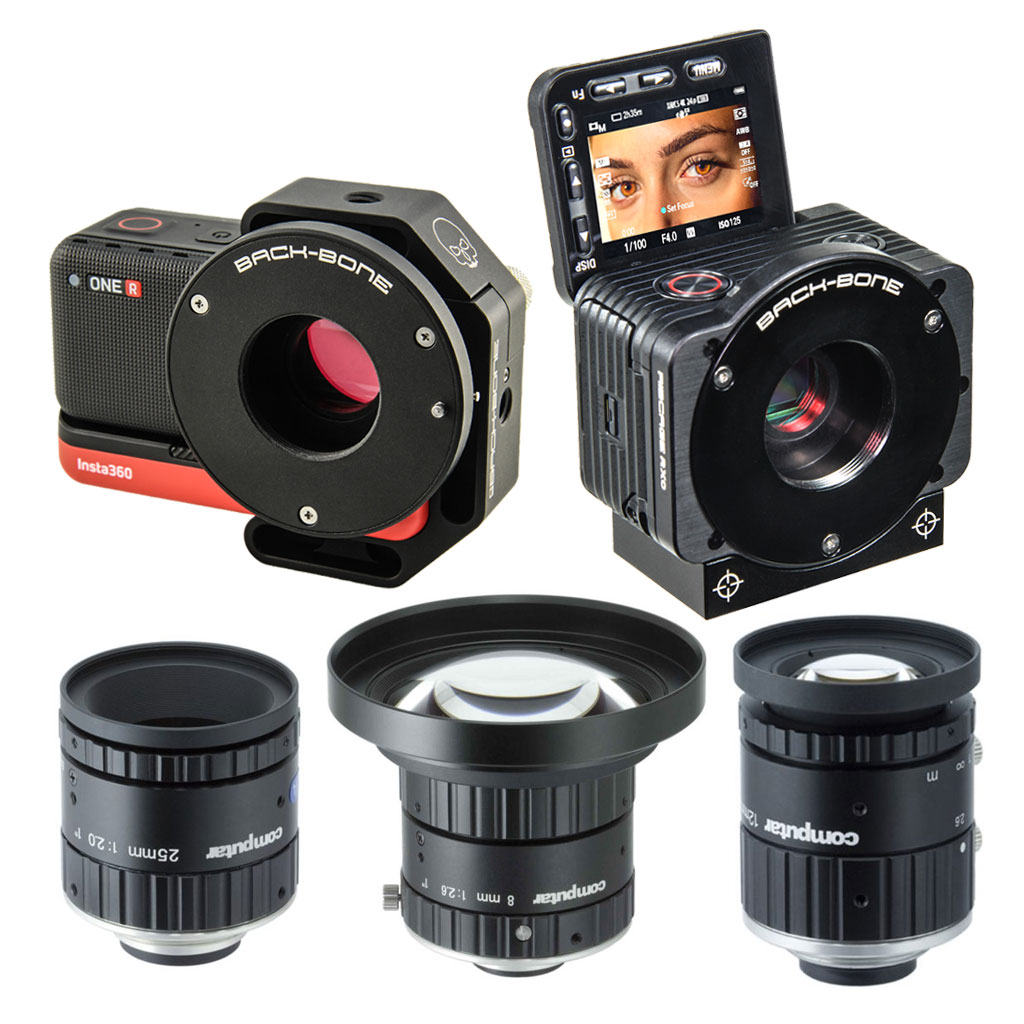 Insta360 ONE R 1-Inch / Ribcage RX0 II
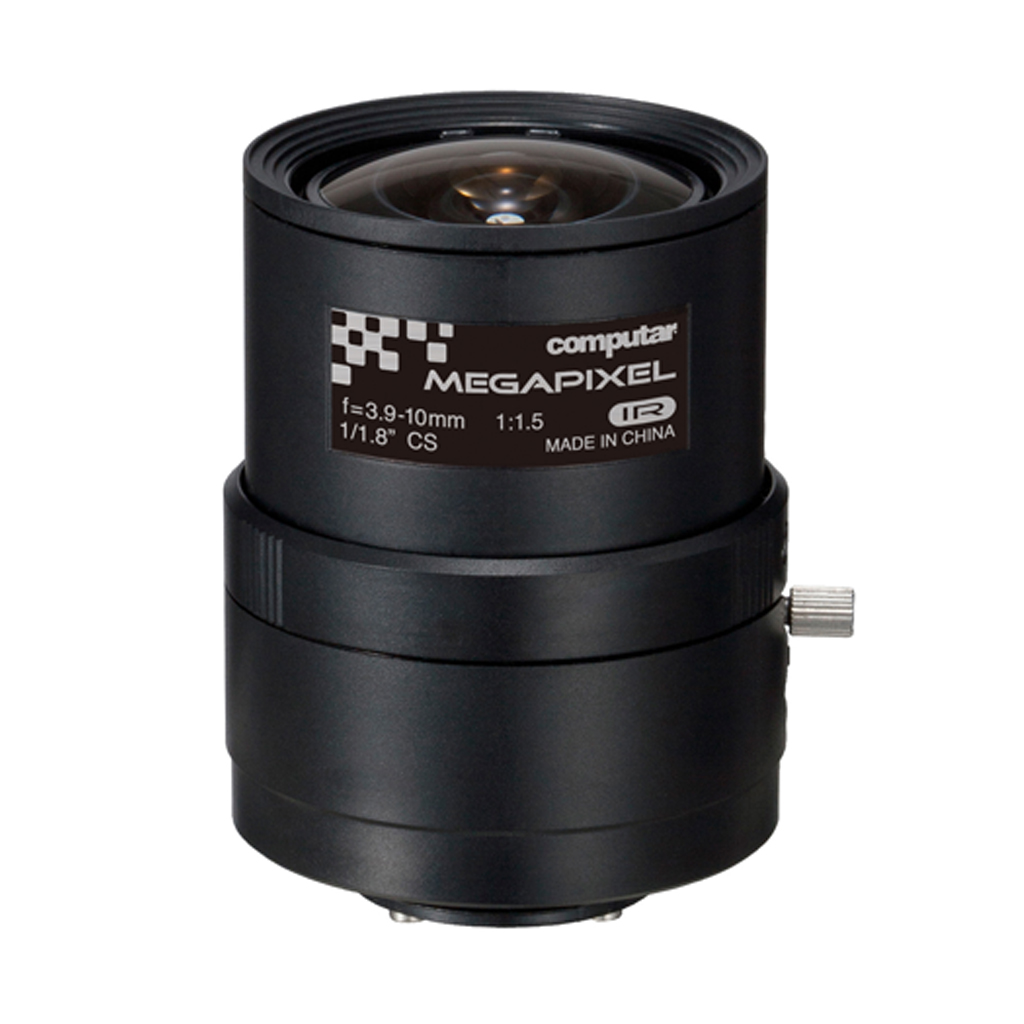 IR Corrected
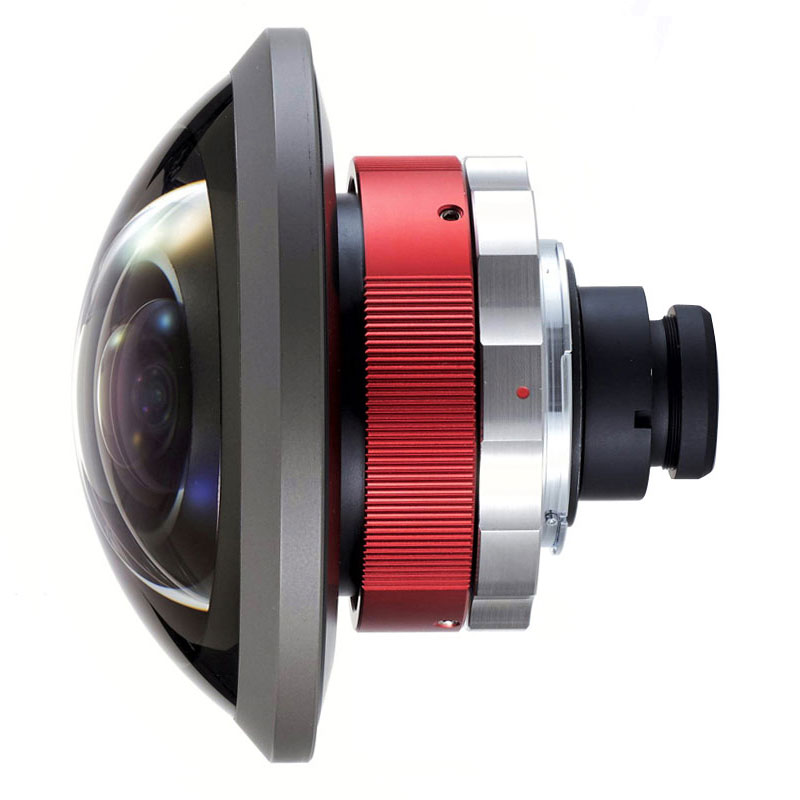 Entaniya
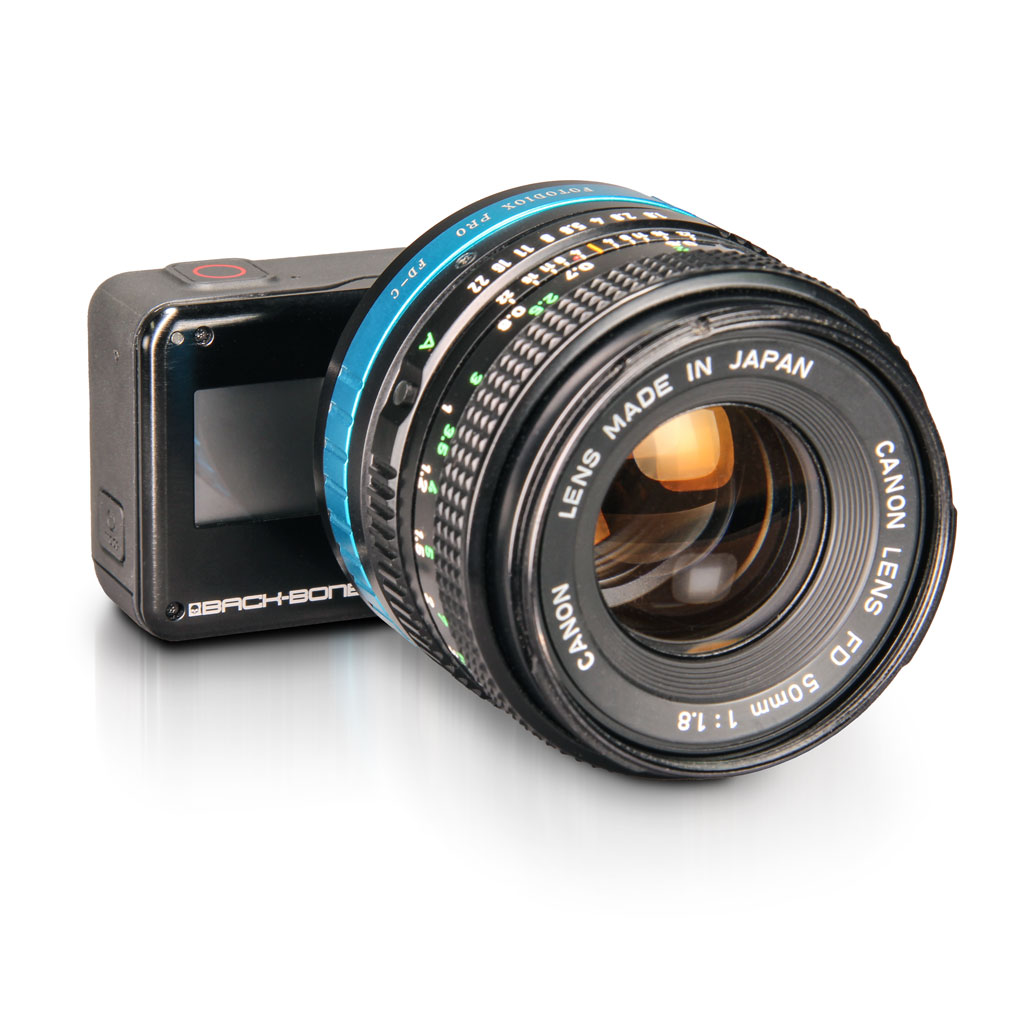 Adapters
 Accessories
 Filters
 Sony
Sony GoPro
GoPro Replacement Parts