Using Lens Adapters
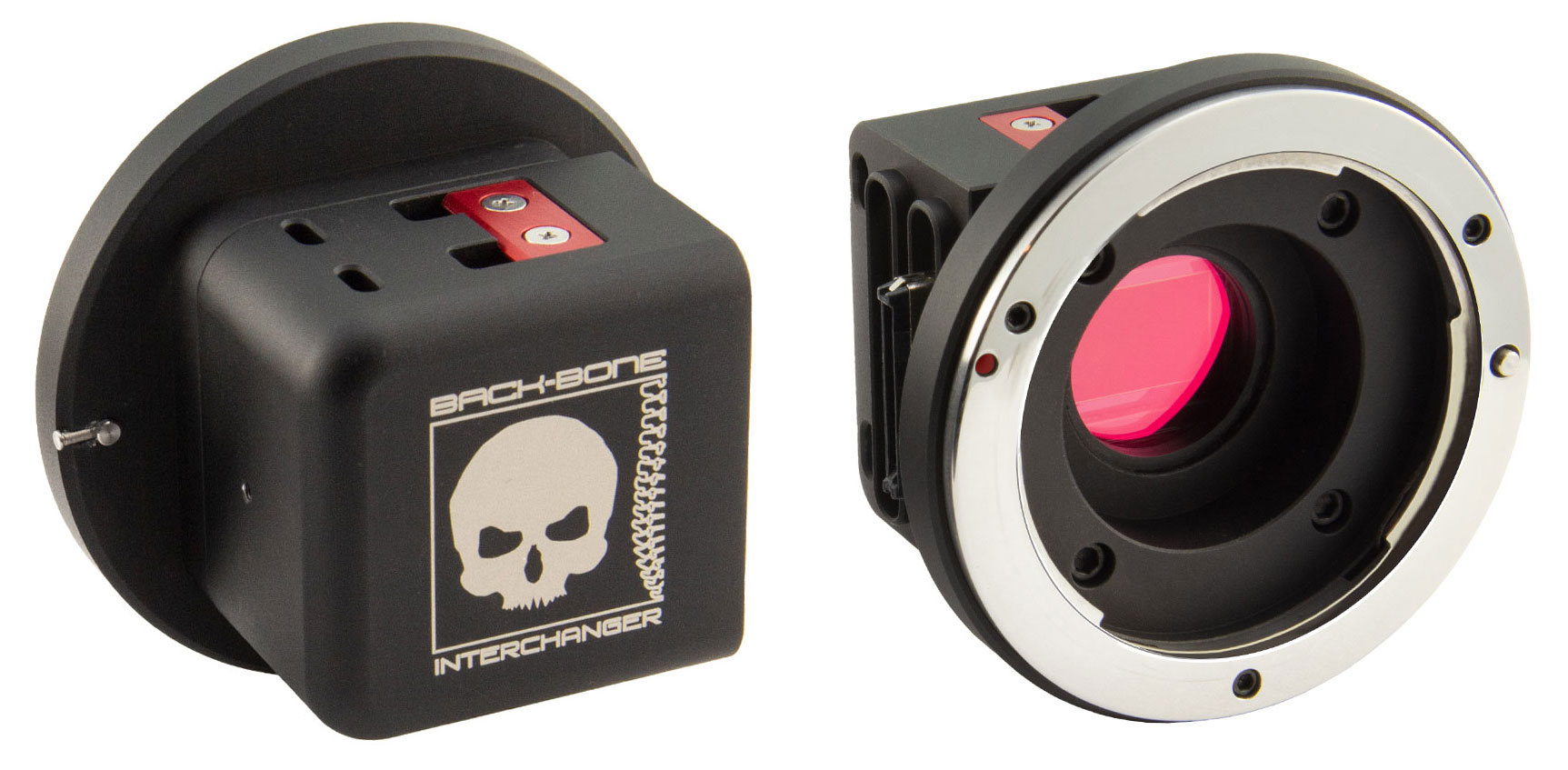
MFT or C-Mount adapters can be used to mount other lens types on your camera. We recommend having the IR-Cut filter installed as it effects the ability to focus at infinity with some lenses.
Crop Factor Information
Lenses designed for larger sensors or film formats will appear somewhat magnified when used with the smaller 1″ sensor. Depending on the camera’s shooting mode the entire sensor area may not be used. Here are the average focal length multipliers for several popular lens types. These numbers assume that Flowstate stabilization is not being used.
- 2/3” C-Mount – 0.69x (some longer 16mm+ 2/3” lenses will cover the sensor though they are technically too small)
- 16mm (Bolex) – 0.8x (mild vignetting)
- Super 16 – 0.92x (slight vignette with wide angle lenses)
- 1” C-Mount – 1.0x
- 1.1” C-Mount – 1.1x
- Micro Four Thirds – 1.36x
- APS-C – 1.79x
- DX – 1.79x
- APS-H – 2.11x
- 35mm (Full Frame) – 2.73x
For more information on crop factors please visit this page.
Troubleshooting:
Video looks wavy or ‘jello’ like: Make sure the gyro is properly calibrated: Settings>General>Gyro Calibration. Your shutter speed may also be too slow. Try a higher ISO and shutter speed.
My footage looks pink! You need to install the supplied IR-Cut filter which prevents infrared light from reaching the sensor. If your footage looks pink this filter is likely missing.
Dark spots in footage, especially when iris is closed down: Your image sensor or filter needs to be cleaned. Using an air puffer is usually enough to blow away any small particles that might have gotten on the sensor. A LensPen MiniPro is also a great tool for cleaning the small GoPro sensor. Also verify that there is no dust or debris on the back of the lens.
When I shoot footage for 360° video, the image circle keeps moving around: When shooting content from circular fisheye lenses for stitching in 360° video software, make sure the flow state feature is turned off when processing in post. This only applies to our modified camera modules, not the Insta360 dual lens 360 module. Flow state should be used in that case.
The screen is small, how do I focus?: Double tap the rear screen to zoom in on the footage for more accurate focus. You can also use the Insta360 smartphone app for a larger view of the action!
NOTE: We’ve done our best to accommodate the vast majority of manual MFT and C-Mount lenses on the market. For the best results use fully manual MFT lenses. 1″ or 1.1″ format C-Mount lenses will work best as well as 16mm & Super 16 Bolex lenses. Some longer 2/3″ C-Mount lenses will cover the image sensor, though technically they are two small. Most 2/3″ lenses will vignette (dark corners).

 Special Deals
 Legacy Products
 Limited Time Offers
 Open Box
 Modified Cameras and DIY Mod Kits
 Cameras
 Mod Kits
 Installation Services
 Lenses
 CS-Mount & C-Mount
 M12
M12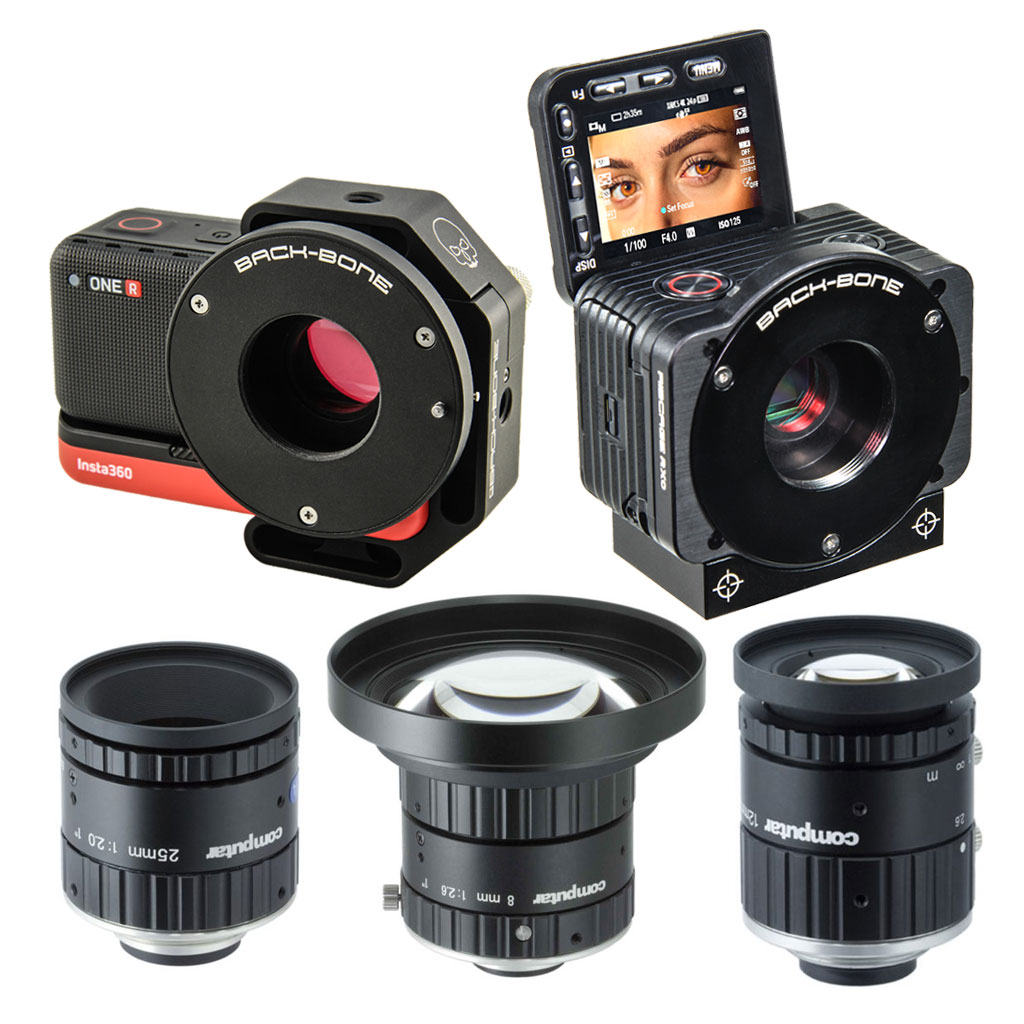 Insta360 ONE R 1-Inch / Ribcage RX0 II
 IR Corrected
 Entaniya
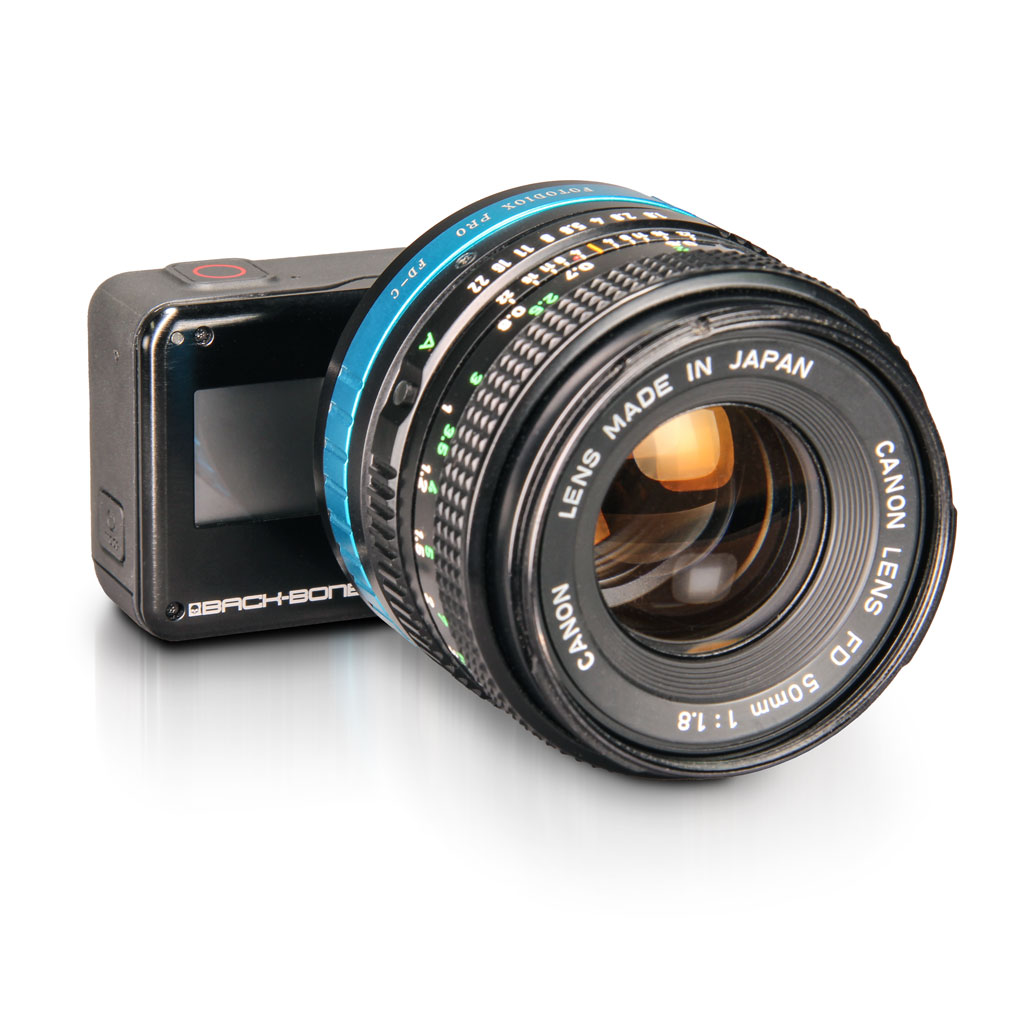 Adapters
 Accessories
 Filters
 Sony
Sony GoPro
GoPro Replacement Parts