About Hypersmooth and Various Lens Modes
Hypersmooth
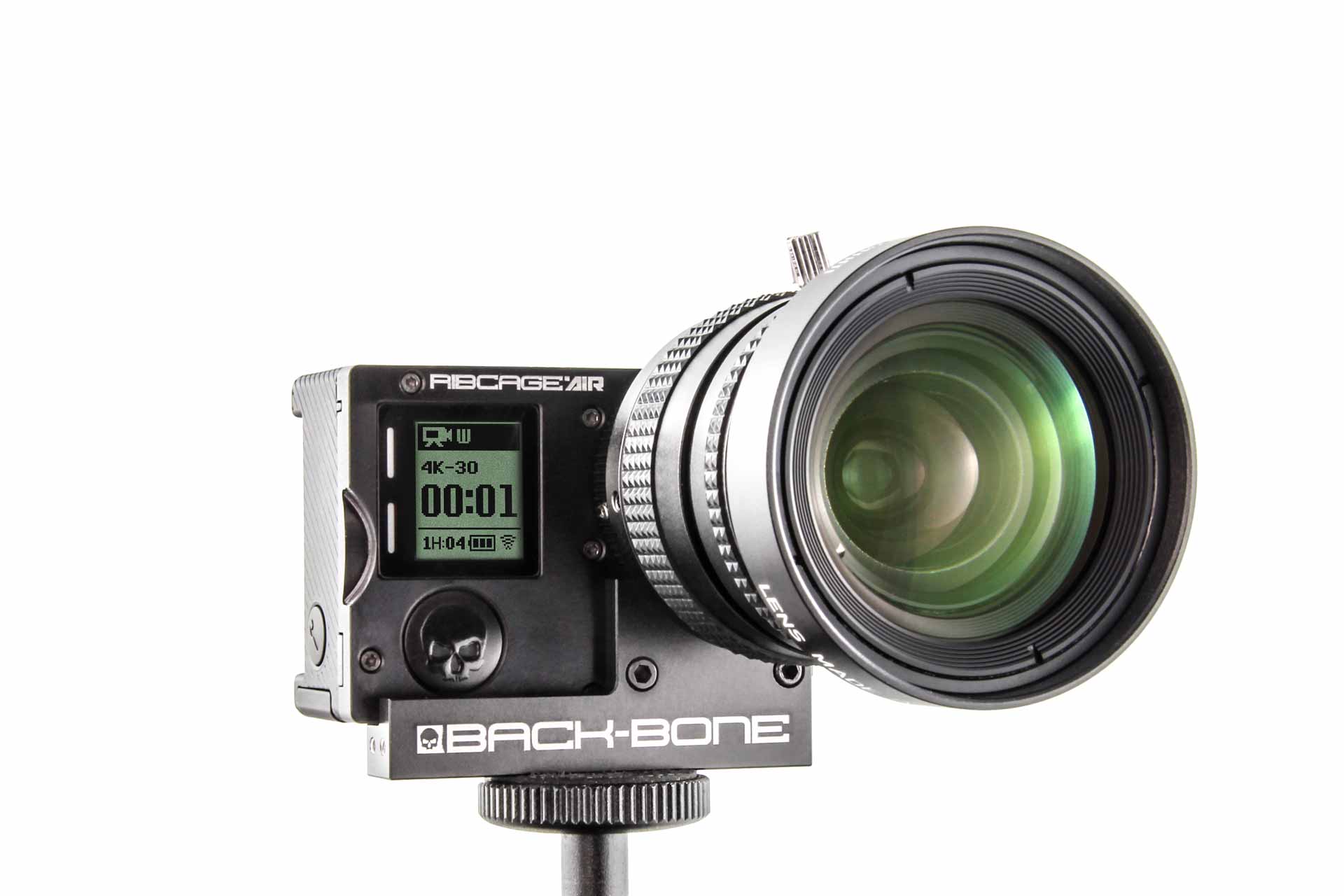
This is an excellent feature for stabilizing your footage, just keep in mind that it has some limitations when used with lenses other than the original GoPro lens it was designed for. As a general guide, like all forms of electronic image stabilization it will become less effective with more and more zoom. It works best with wide angle lenses but with longer focal lengths it’s recommended that you use a gimbal or tripod.
We also recommend trying out the free software ‘GyroFlow’. That software performs stabilization in post using the gyro data stored in the video files. It allows you to create a distortion profile for each of your lenses for a more accurate result. You also have access to a lot more tools to fine tune the output. You may find that you prefer to shoot with Hypersmooth turned off for maximum control in GyroFlow.
Linear Mode / Horizon Leveling
Linear modes are intended for use with a fisheye lens. When linear mode is enabled the camera firmware will correct for the fisheye distortion of the original GoPro lens. If you are already using a linear lens it will actually add a ‘pincushion’ distortion. For that reason we recommend using the camera’s ‘Wide’ setting for most shooting situations, or switch to a fisheye lens to take advantage of the horizon leveling feature. If horizon leveling is critical it can be done in post with any lens type using the free GyroFlow software mentioned above.
MAX Lens Mode
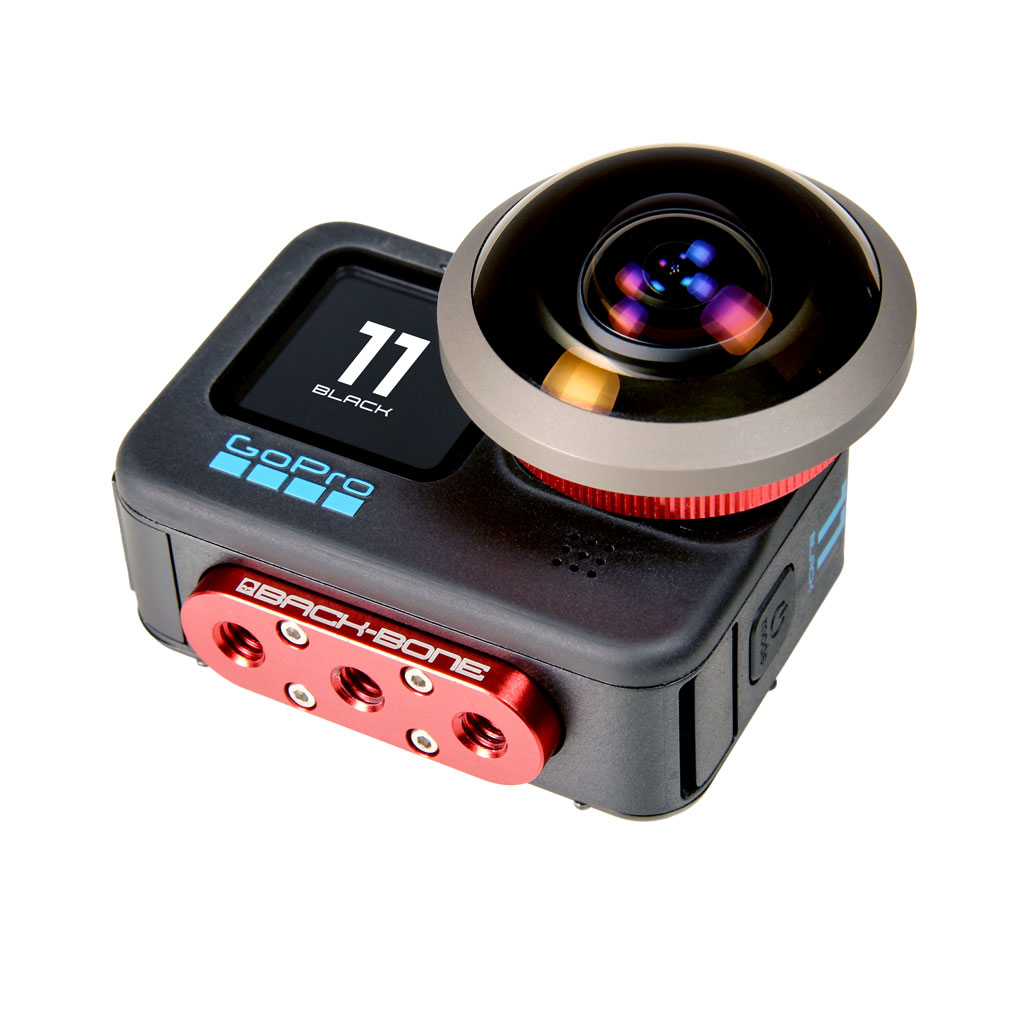
This mode is designed for GoPro’s MAX lens accessory which fits over top of the original lens. This mode is not useful with regular lenses, however it can be used with excellent results when using 190, 220 or 250 degree circular fisheye lenses. Circular fisheyes, such as those from Entaniya, work with H10PRO – H12PRO but compatibility with H9PRO cameras is limited.
Mounting M12 Lenses
Note: Some super wide angle and fisheye M12 lenses may not be compatible with the H9PRO – H13PRO. The M12 lenses in our shop clearly list their compatibility in the product details. As a general rule M12 lenses with a back focus distance of 2.3mm or under are not compatible. The H9PRO can’t accommodate lenses with a back focus distance of 3.2mm or lower.
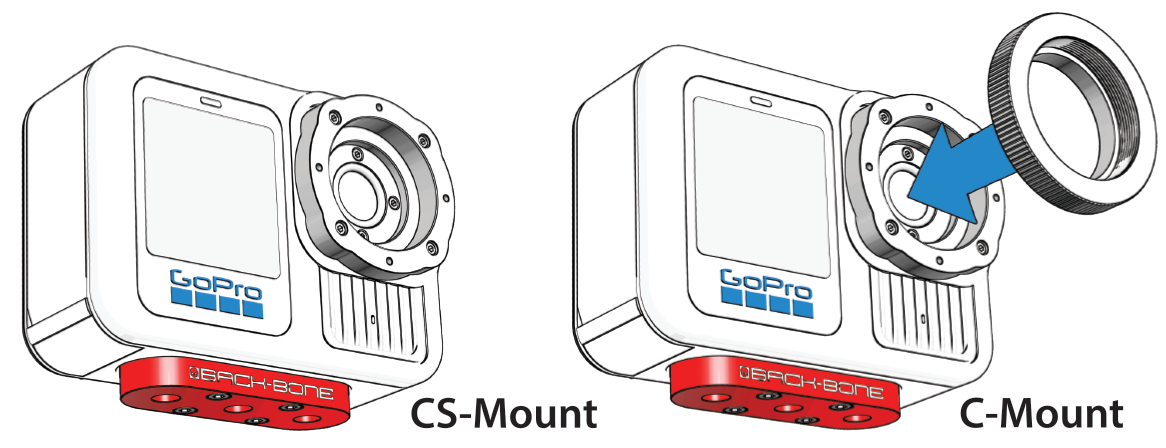
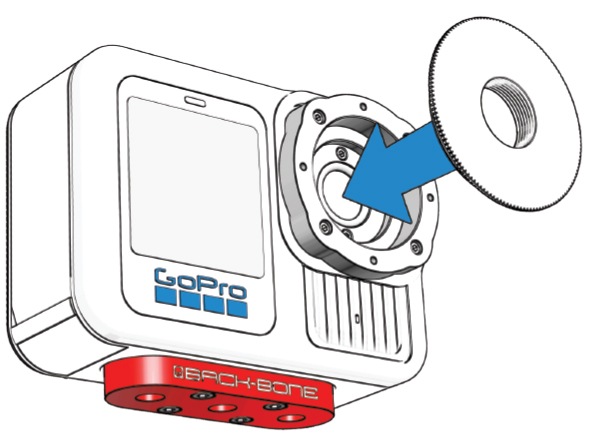
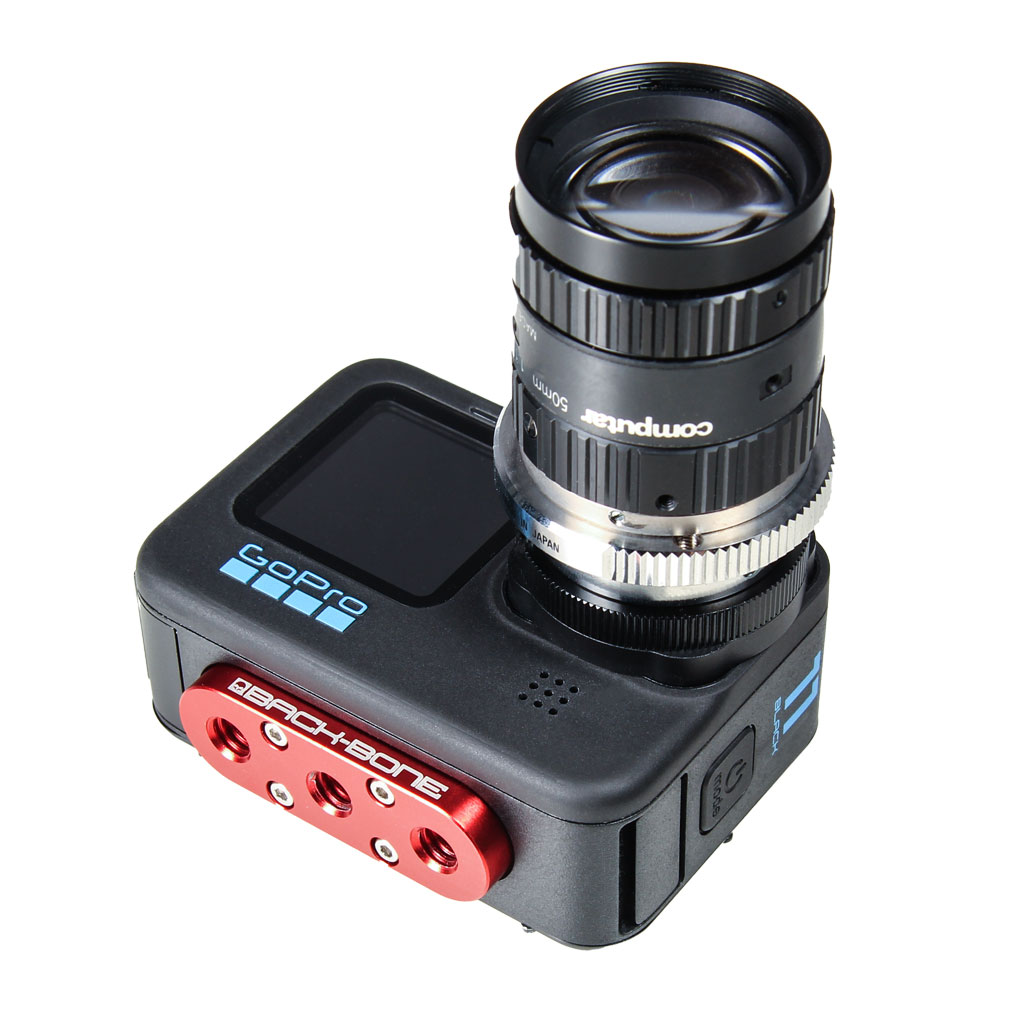
- Remove the C-Mount ring
- Screw the M12 to CS adapter ring onto the camera (Yellow Bag).
- Gently screw in your lens and check to see if it will focus. If it stops turning before it’s sharp you will need to remove the filter from the camera. If it still will not focus after removing the filter it likely has a back focus under 2.3mm and is not compatible (under 3.2mm on H9PRO). Take the lens back out.
- Thread the small black locking ring onto your lens.
- Screw the lens into the adapter until sharply in focus.
- It helps to connect the camera to a large screen via HDMI / Media Mod. If using the rear screen on the camera set the focus while zoomed in all the way in Photo mode. Zoom back out and take some pictures. Verify sharp focus across the entire image via GoPro app or PC.
- Tighten the locking ring against the adapter to lock the lens in place.
- You can also tighten the locking ring against the orange O-ring if desired.
Adding the Optional MFT Mount
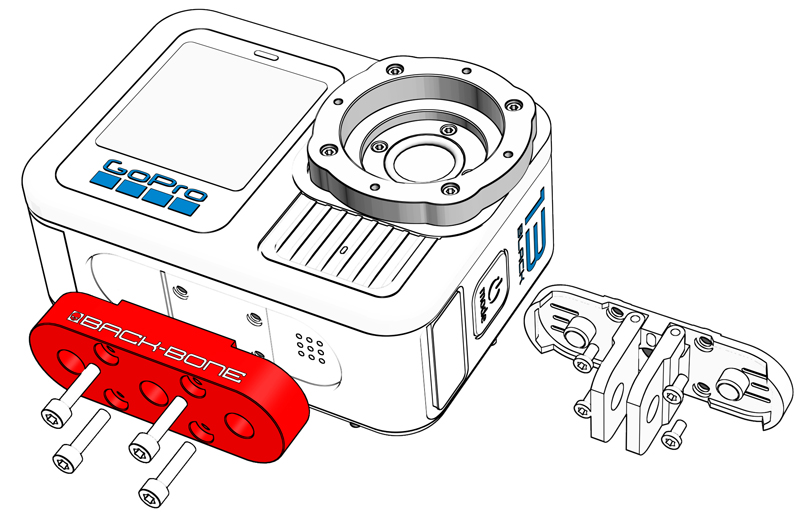
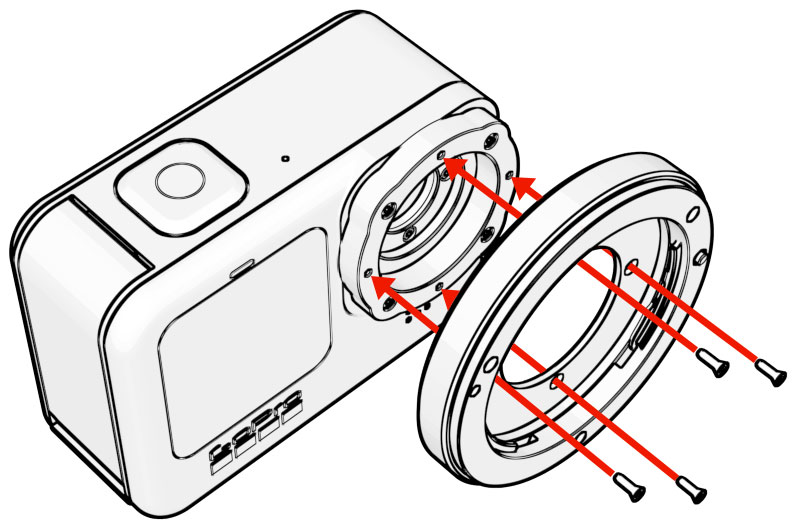
An optional adapter is available for your camera that allows fully manual Micro Four Thirds lenses to be used. Adding and removing the mount is quick and easy with the supplied T3 screw driver.
- Remove any lenses as well as the M12 adapter or C-Mount ring
- Take the MFT mount from the package and align it onto the CS-Mount ring so that the lens locking pin and release tab are on the right side
- Use the black T3 screw driver to add the 4 included steel screws.
Troubleshooting:
My camera turns off after just a few seconds! Use the side button to power on the camera instead of the top. Quick capture is triggered by default when you hit the top button so it will try and record. If no SD card is found the camera will display the message ‘Insert SD Card’ on the rear screen and then shut off.
My M12 Lens Won’t Focus! Try removing the glass filter from the camera to give the lens some extra room to focus. If the lens still won’t go in far enough it likely requires a back focus distance of less than 3.2mm and is not compatible with the H9PRO. The lenses we sell in our shop have their compatibility listed in the product details. As a general rule, M12 lenses with a back focus distance greater than 3.2mm should be fully compatible. Back focus distance is sometimes called ‘Flange Distance’. Lens manufacturers usually supply that information in their product details.
My C-Mount lens won’t focus!: This usually means that you simply need to add the supplied 5mm C-Mount spacer ring to the camera before adding your lens. It comes mounted on the camera with a plastic cap screwed into it. Also make sure that the protective glass filter is installed in the camera as that has a small effect on the focus of lenses. Also make sure that the internal glass filter is properly installed in the camera as that has an affect on the focus. The filter is pre-installed.
Dark spots in footage, especially when iris is closed down: Your image sensor or filter needs to be cleaned. Using an air puffer is usually enough to blow away any small particles that might have gotten on the sensor. A LensPen MiniPro is also a great tool for cleaning the small GoPro sensor. Also verify that there is no dust or debris on the back of the lens.
Images are blurry on one side with M12’s: Likely your lens is not perfectly aligned with the image sensor. Some lenses have looser thread engagement than others which may cause a very slight tilt. Try adding a layer of Teflon tape to the lens barrel before adding it to the adapter ring as outlined in the tips.
NOTE: We’ve done our best to accommodate the vast majority of M12, CS and C-Mount lenses on the market, however there will be some designs that aren’t compatible. M12 lenses that are extremely short, have odd shaped barrels or short threads may not work. M12 lenses must have a back focus distance (flange distance) of 3.2mm or higher. The lenses at www.back-bone.ca have their compatibility clearly marked. When buying M12 lenses elsewhere look for 1/2.3”, 1/2” or 1/1.8″ lenses. We recommend 1/2”, 1/1.8” or 2/3” C-Mount lenses with high resolution ‘megapixel’ optics.

 Special Deals
 Legacy Products
 Limited Time Offers
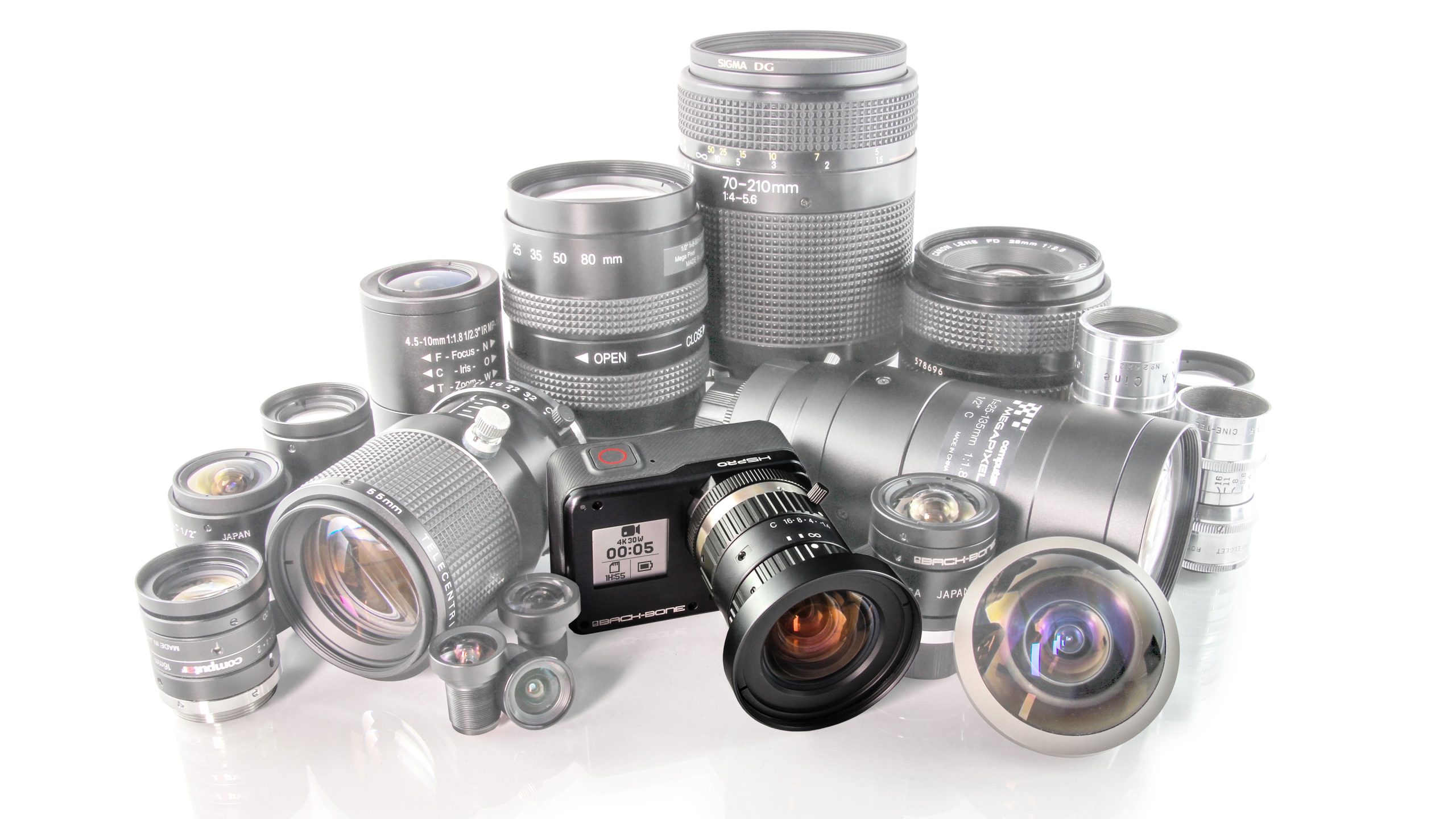 Open Box
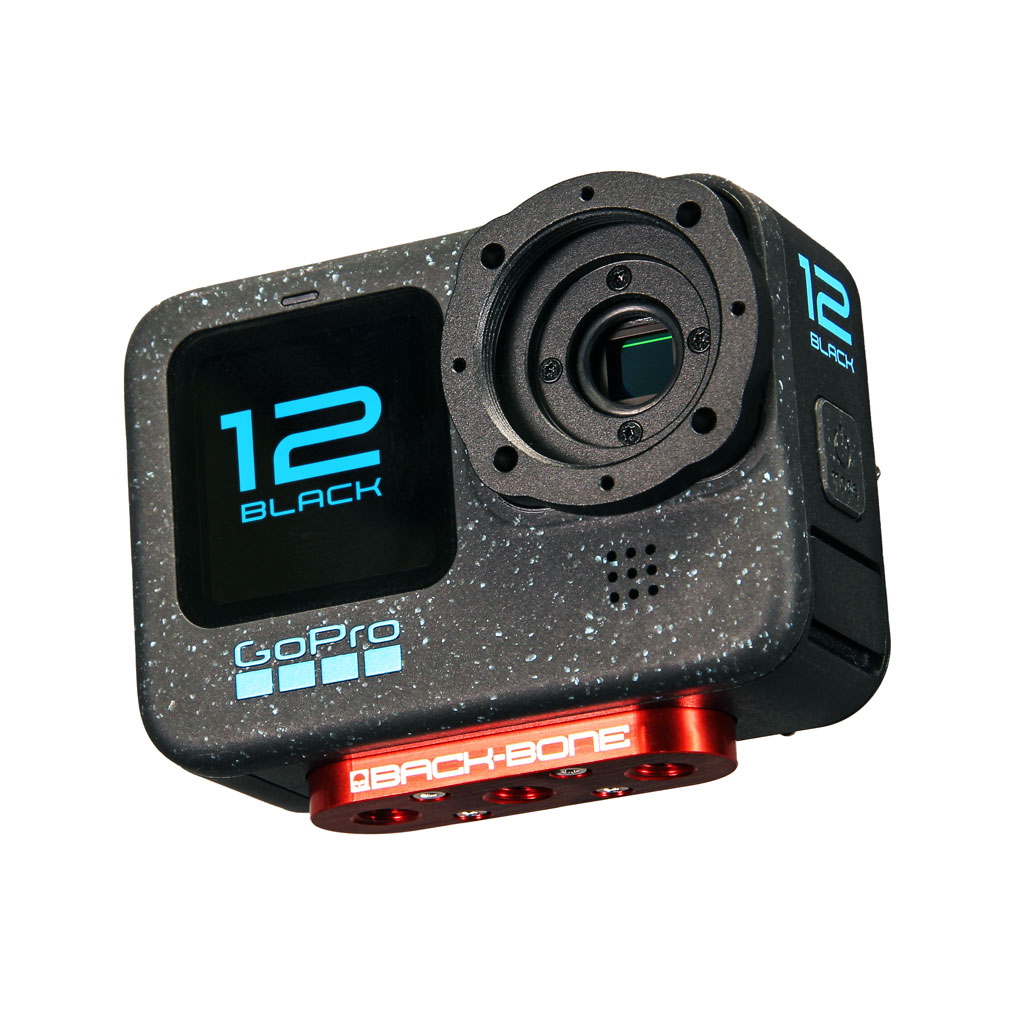 Modified Cameras and DIY Mod Kits
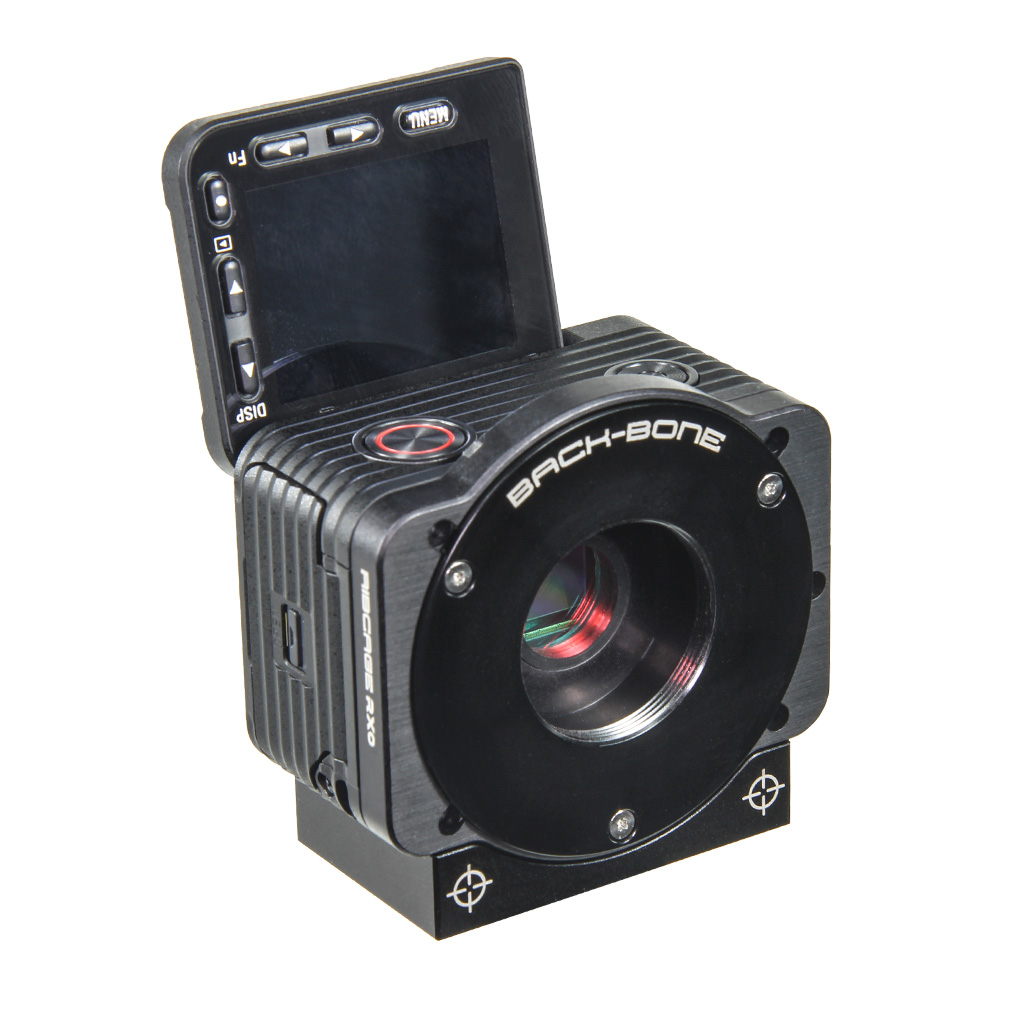 Cameras
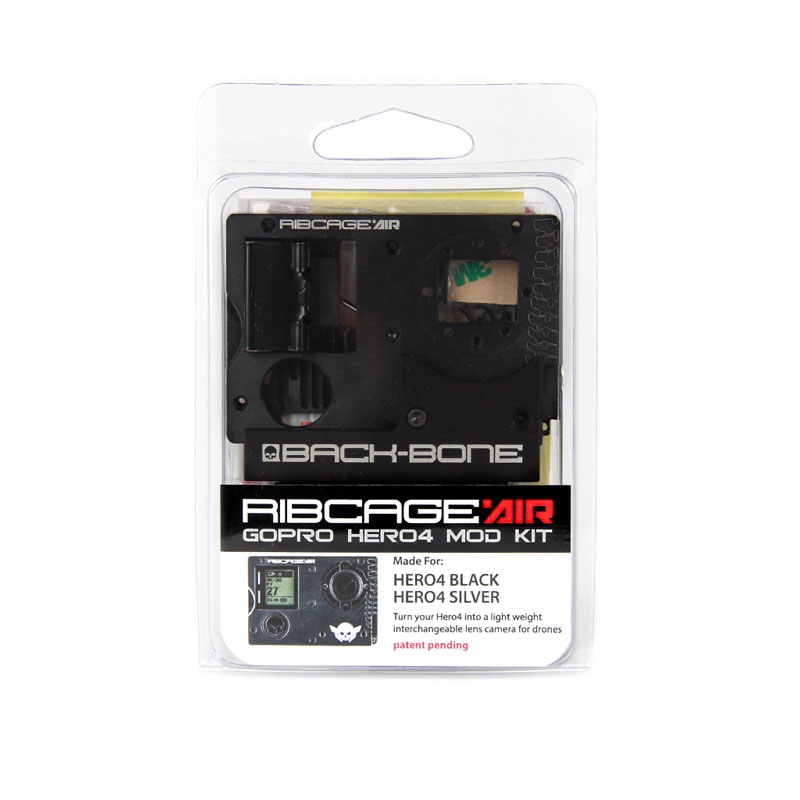 Mod Kits
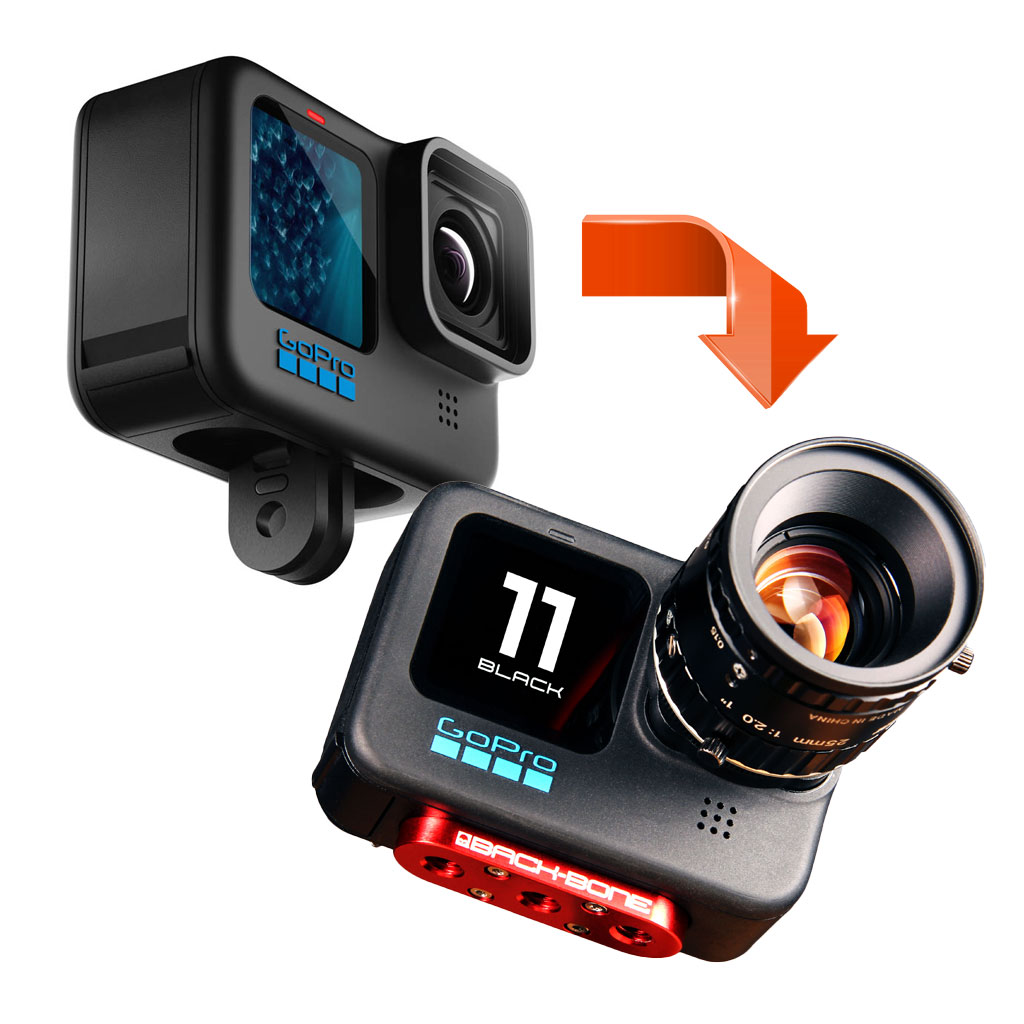 Installation Services
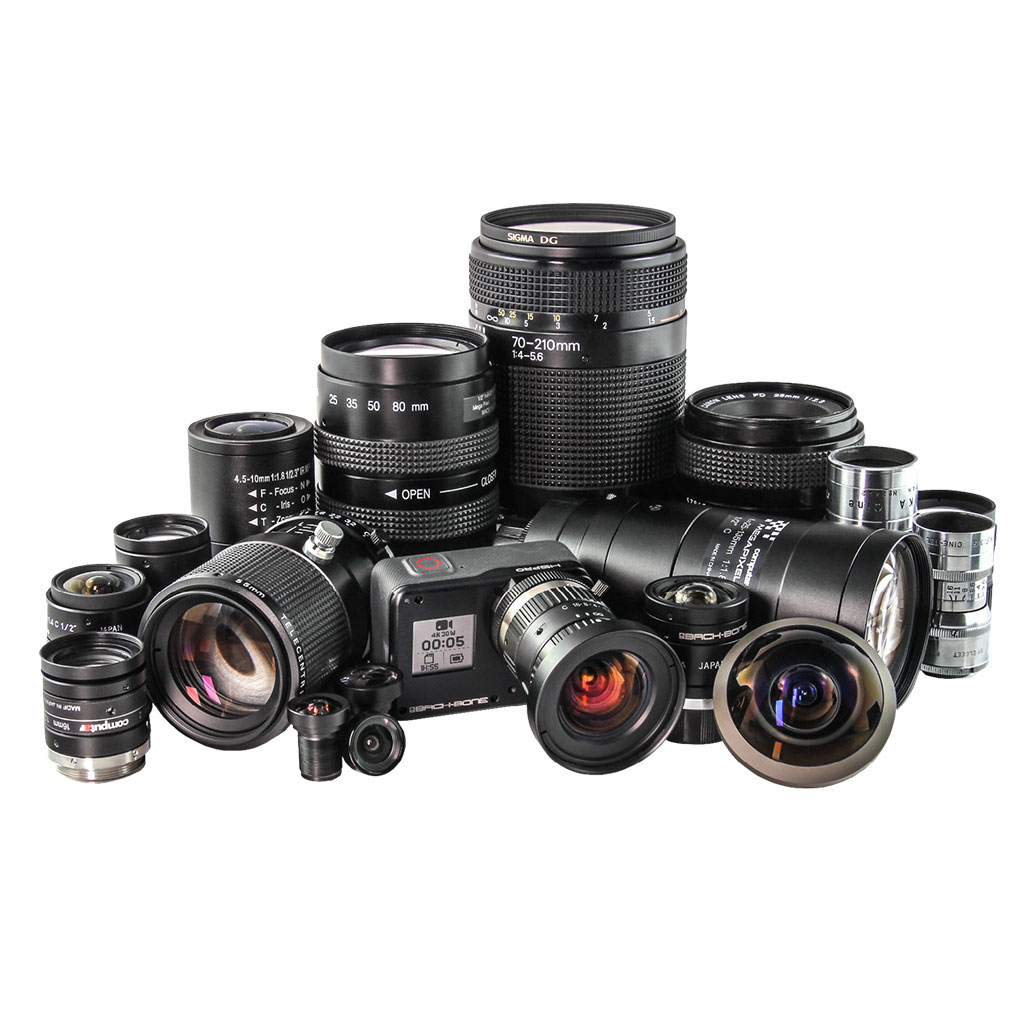 Lenses
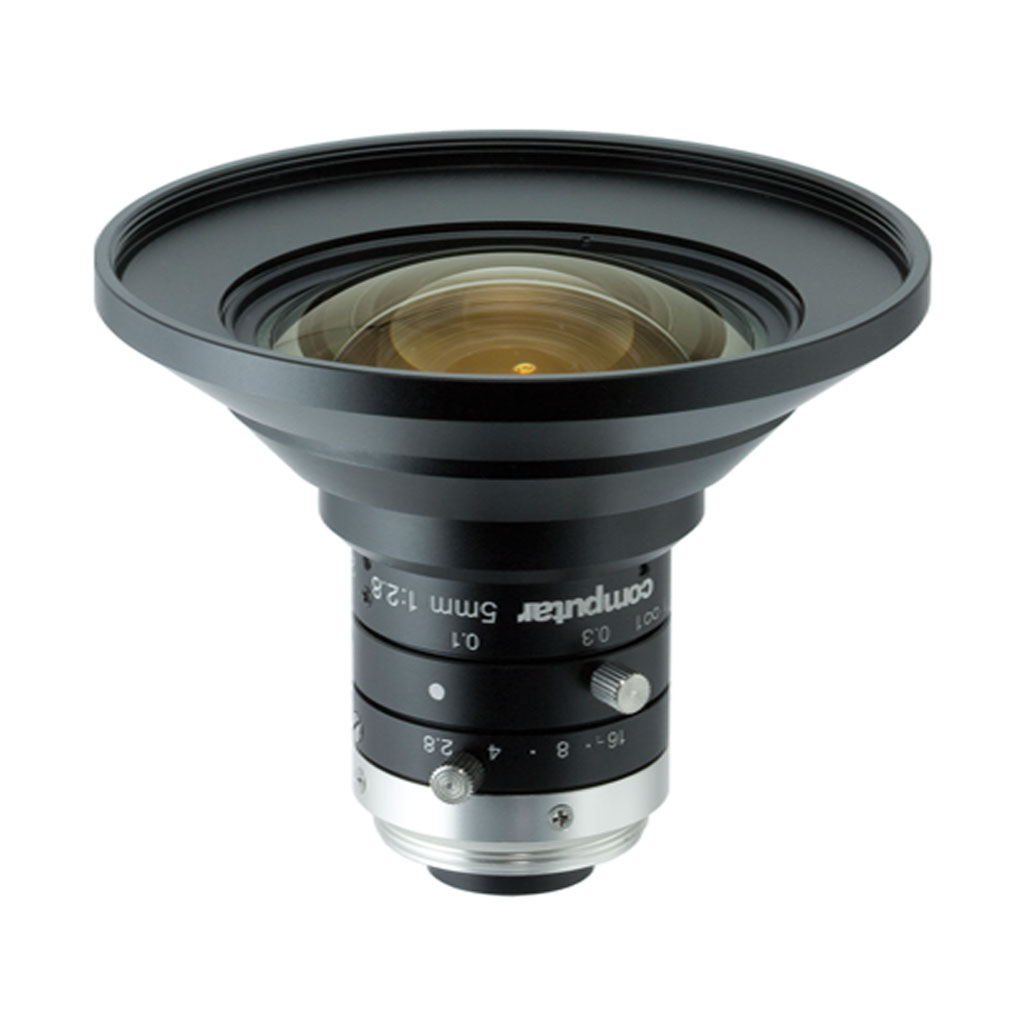 CS-Mount & C-Mount
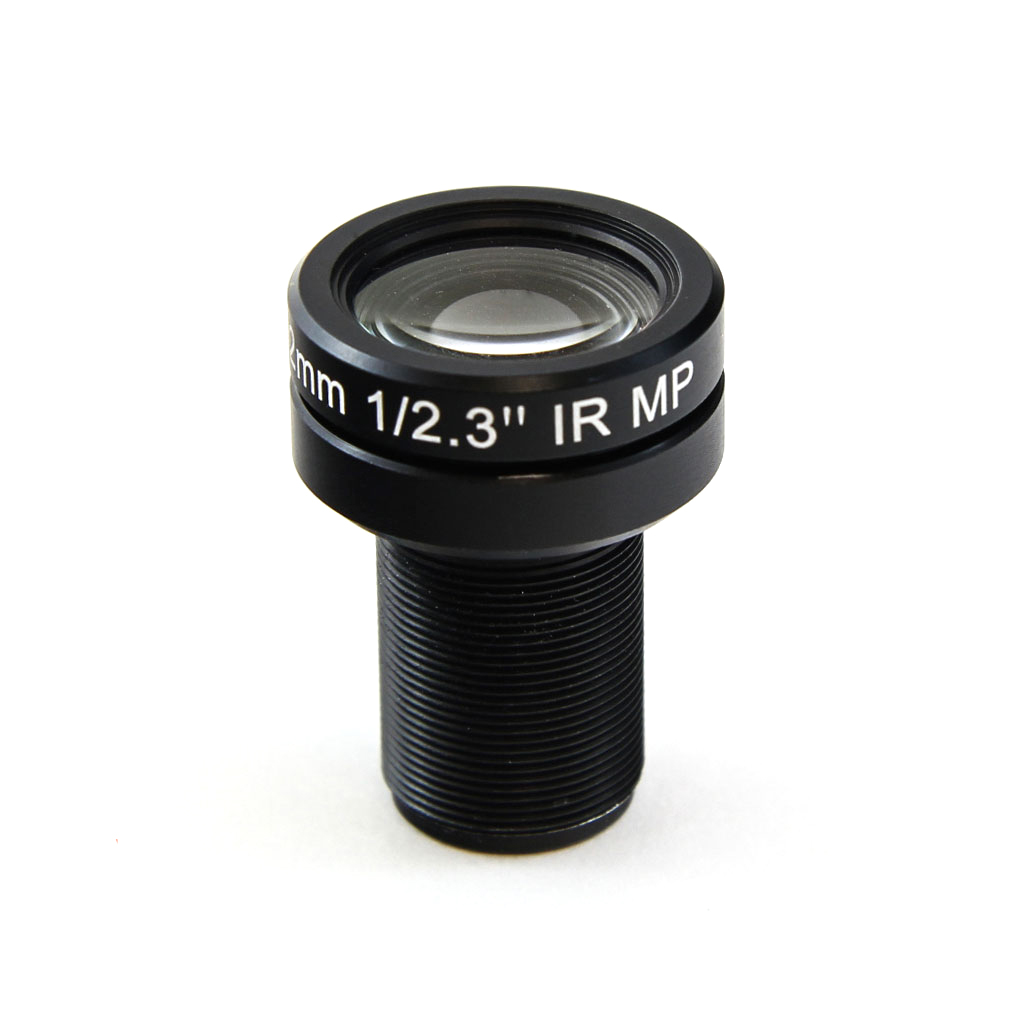 M12
M12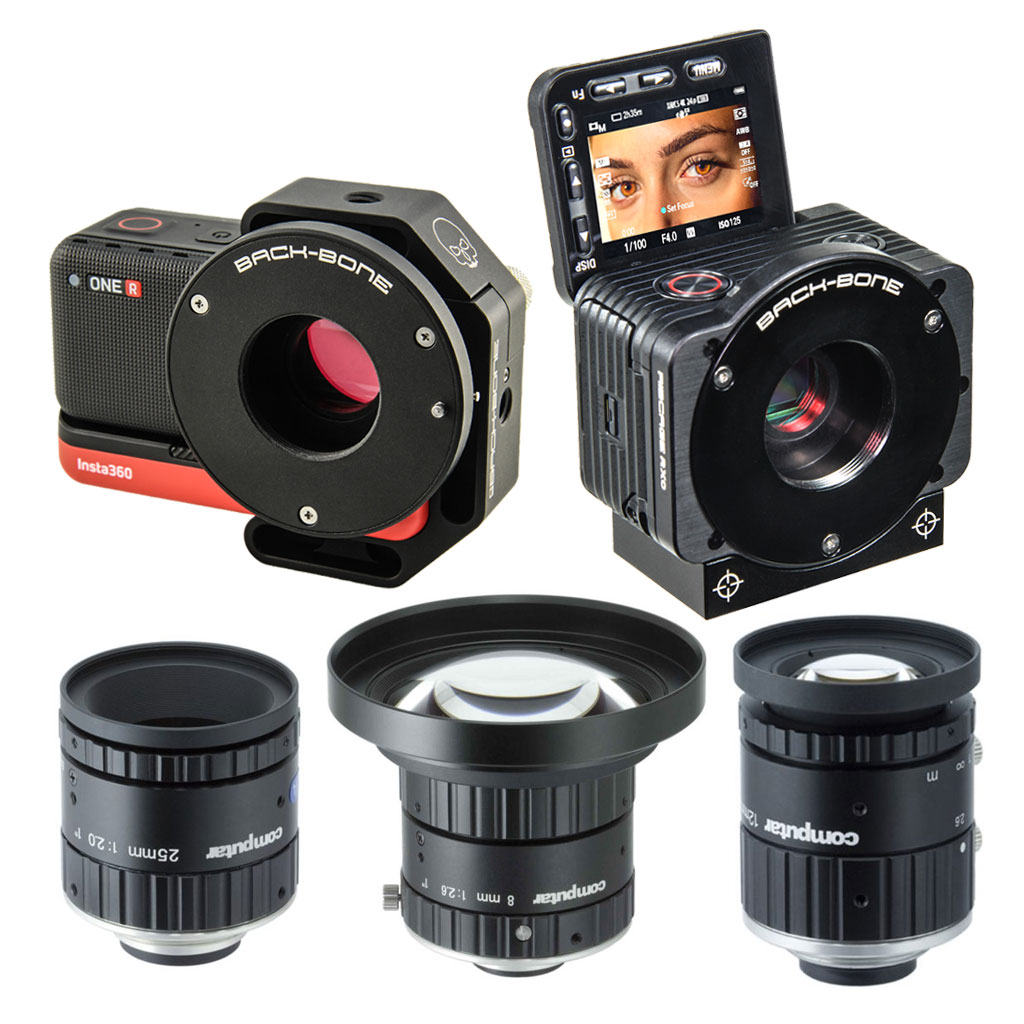 Insta360 ONE R 1-Inch / Ribcage RX0 II
 IR Corrected
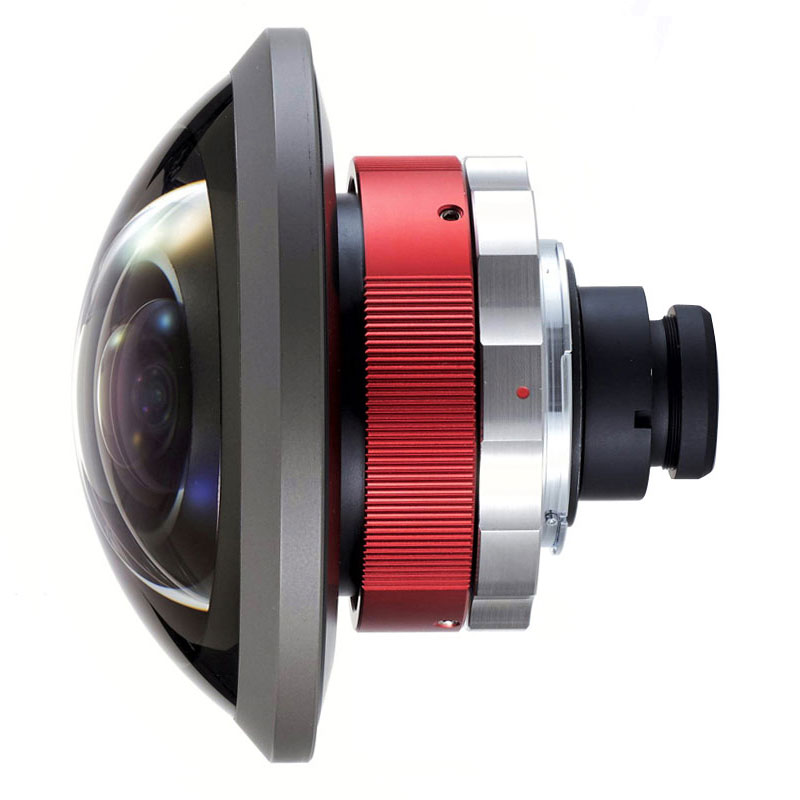 Entaniya
 Adapters
 Accessories
 Filters
 Sony
Sony GoPro
GoPro Replacement Parts