
 Special Deals
 Legacy Products
 Limited Time Offers
 Open Box
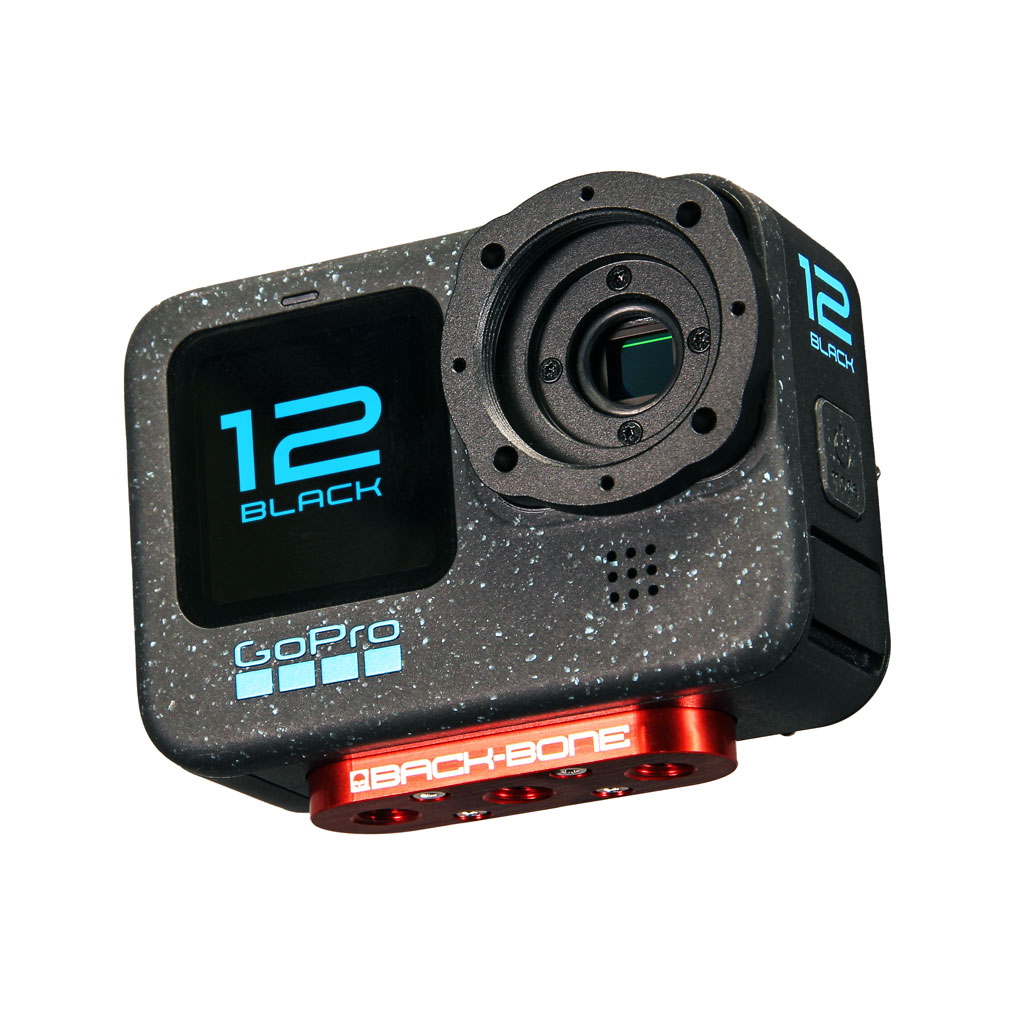 Modified Cameras and DIY Mod Kits
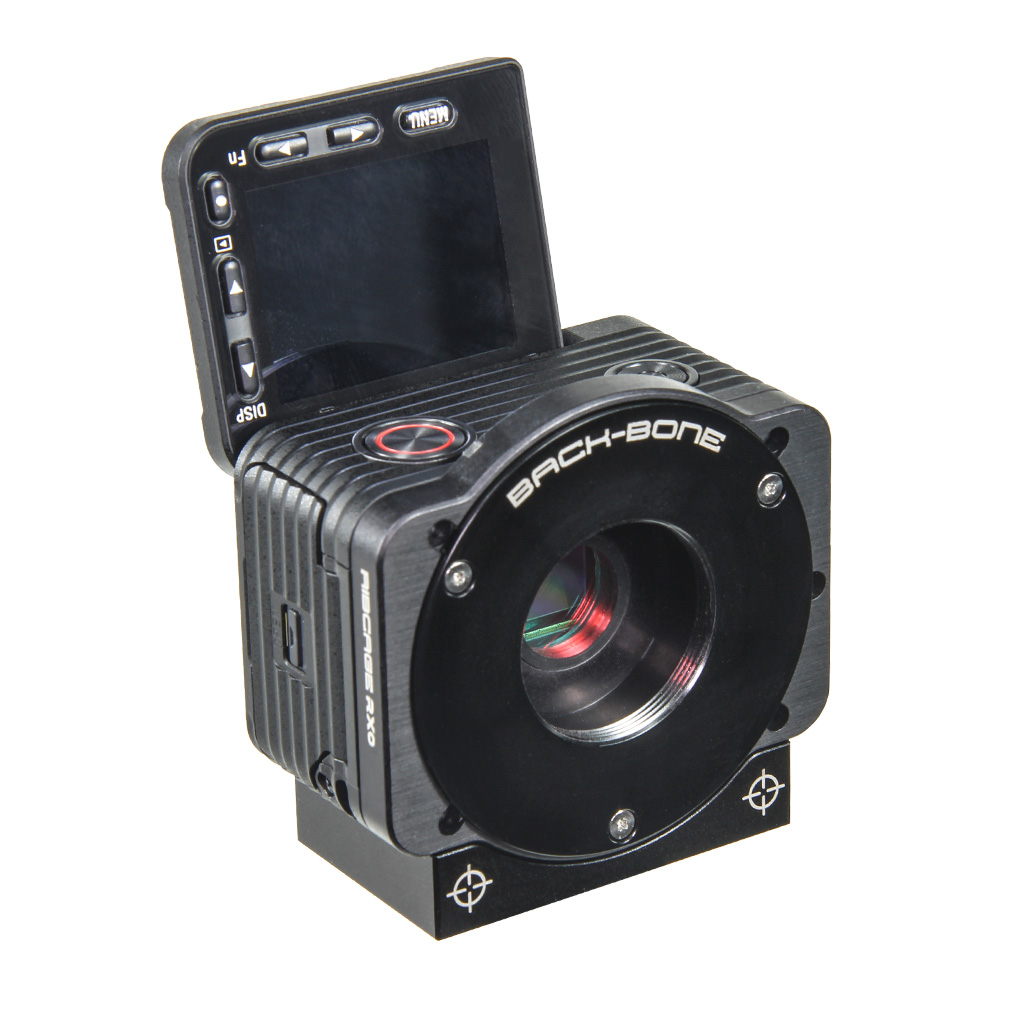 Cameras
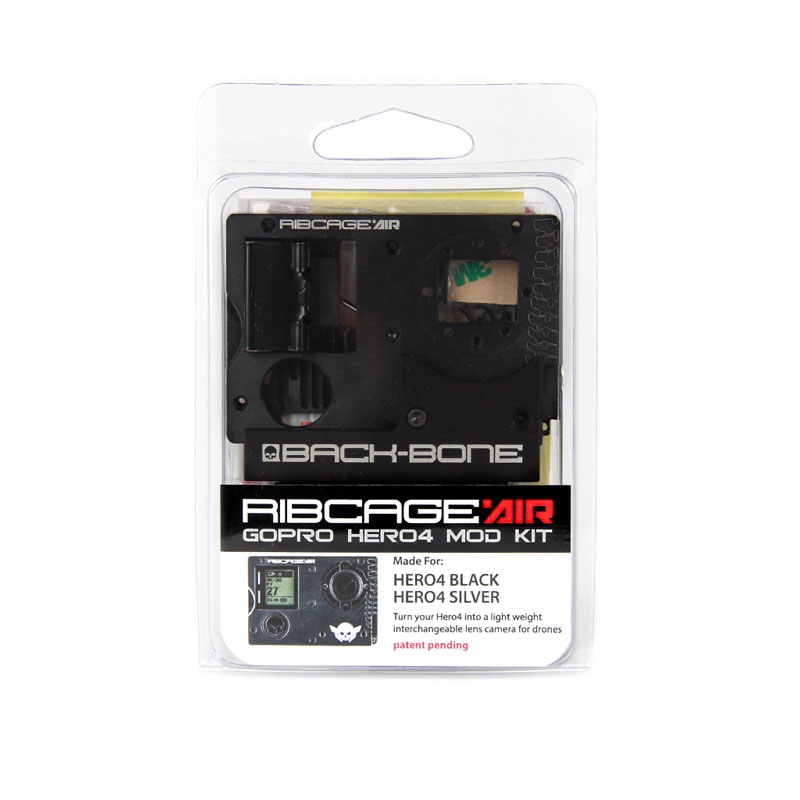 Mod Kits
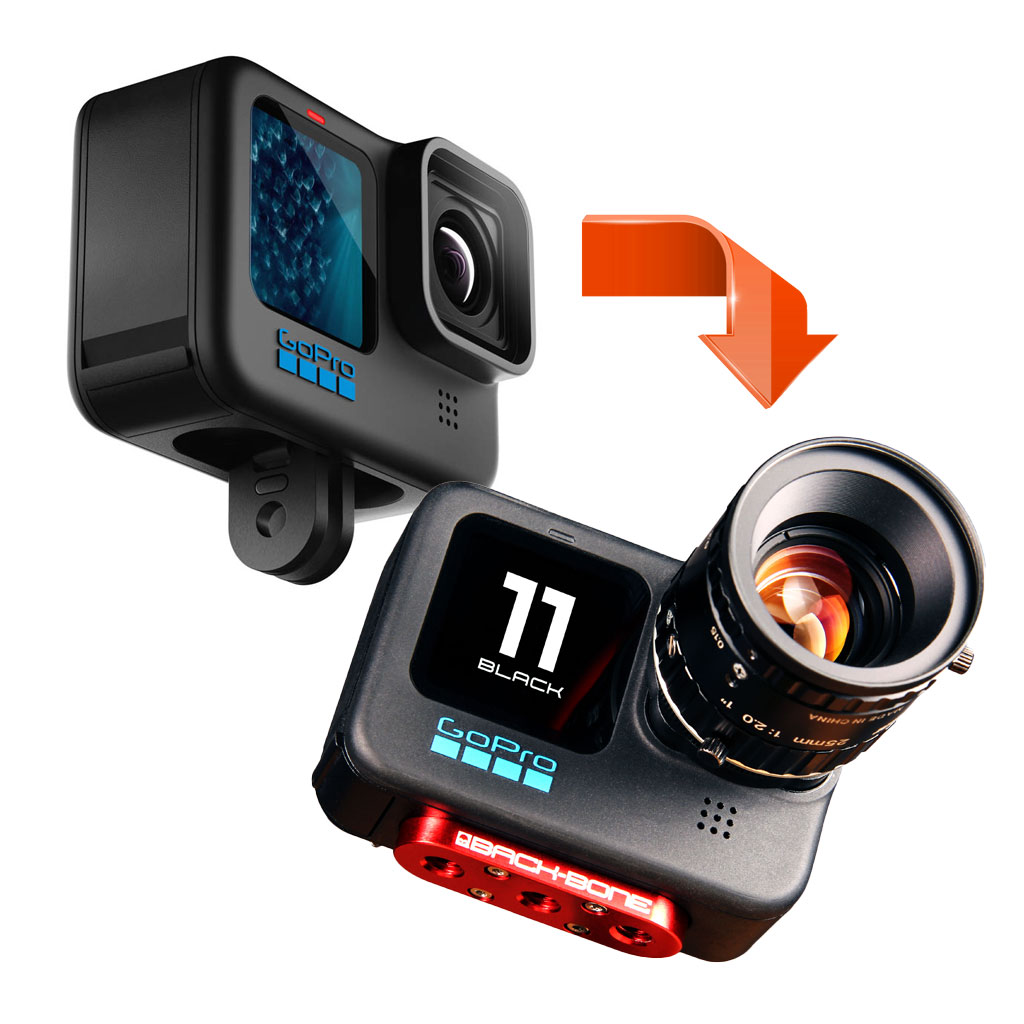 Installation Services
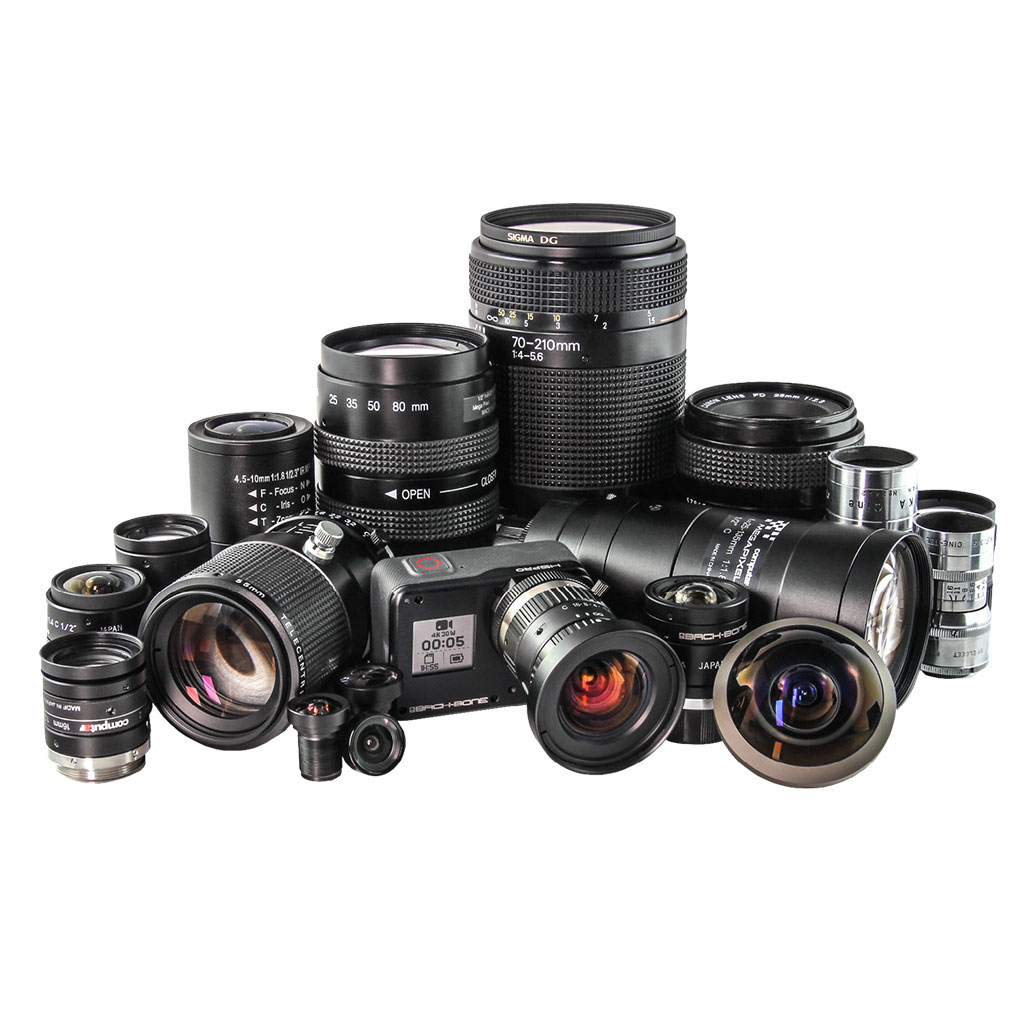 Lenses
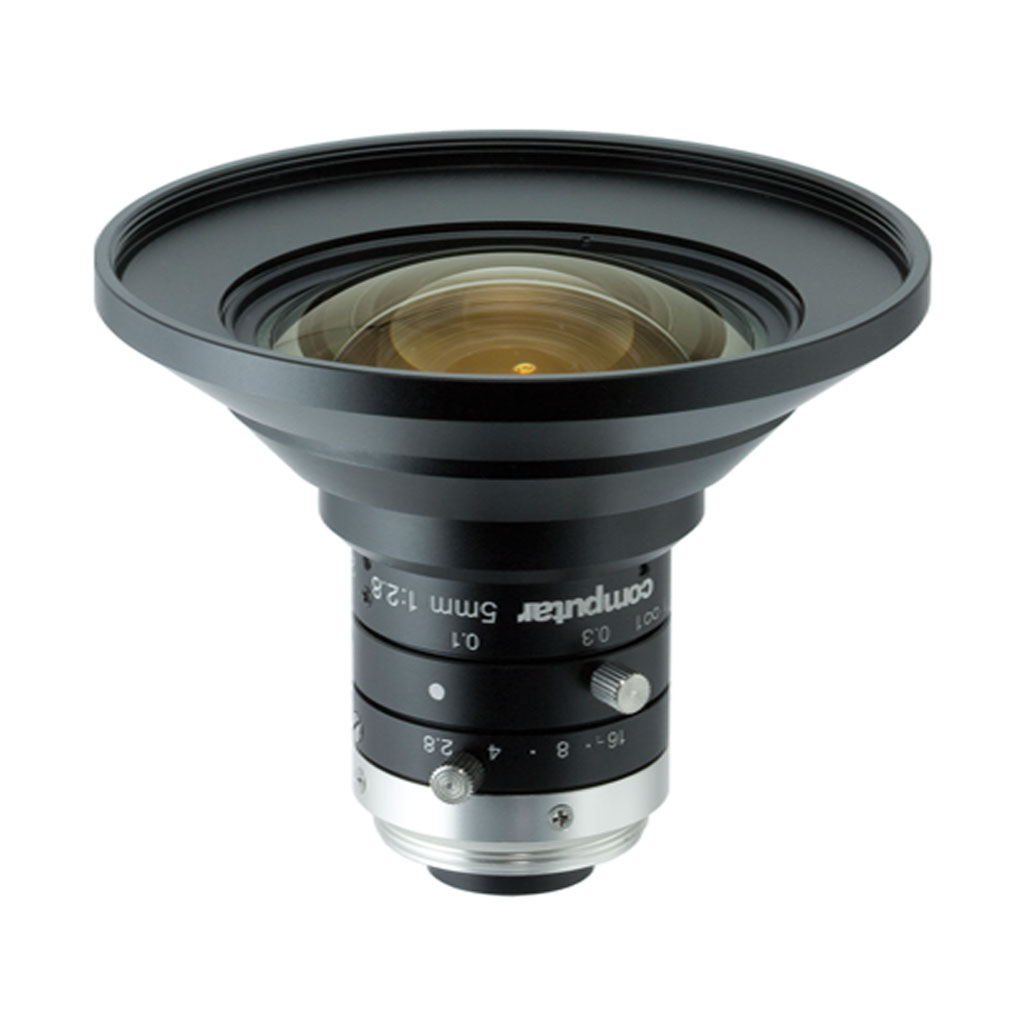 CS-Mount & C-Mount
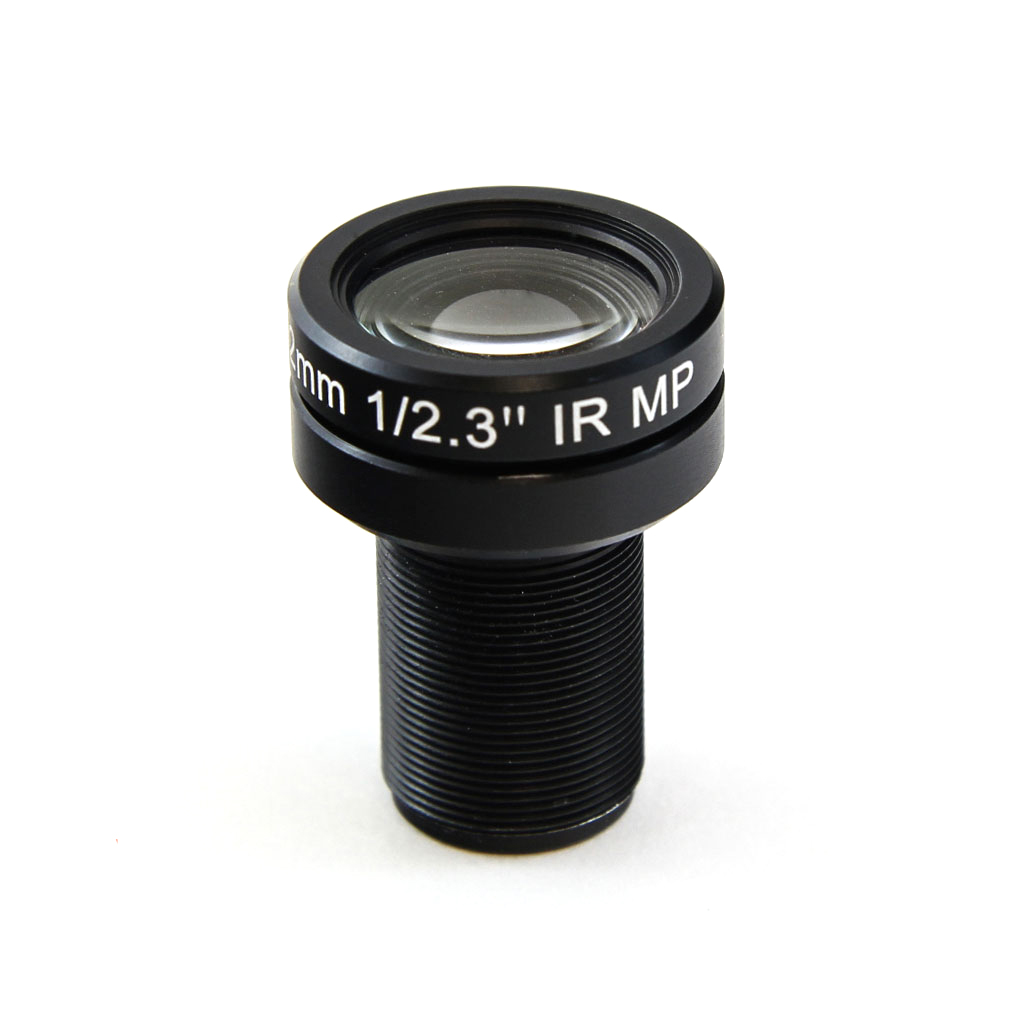 M12
M12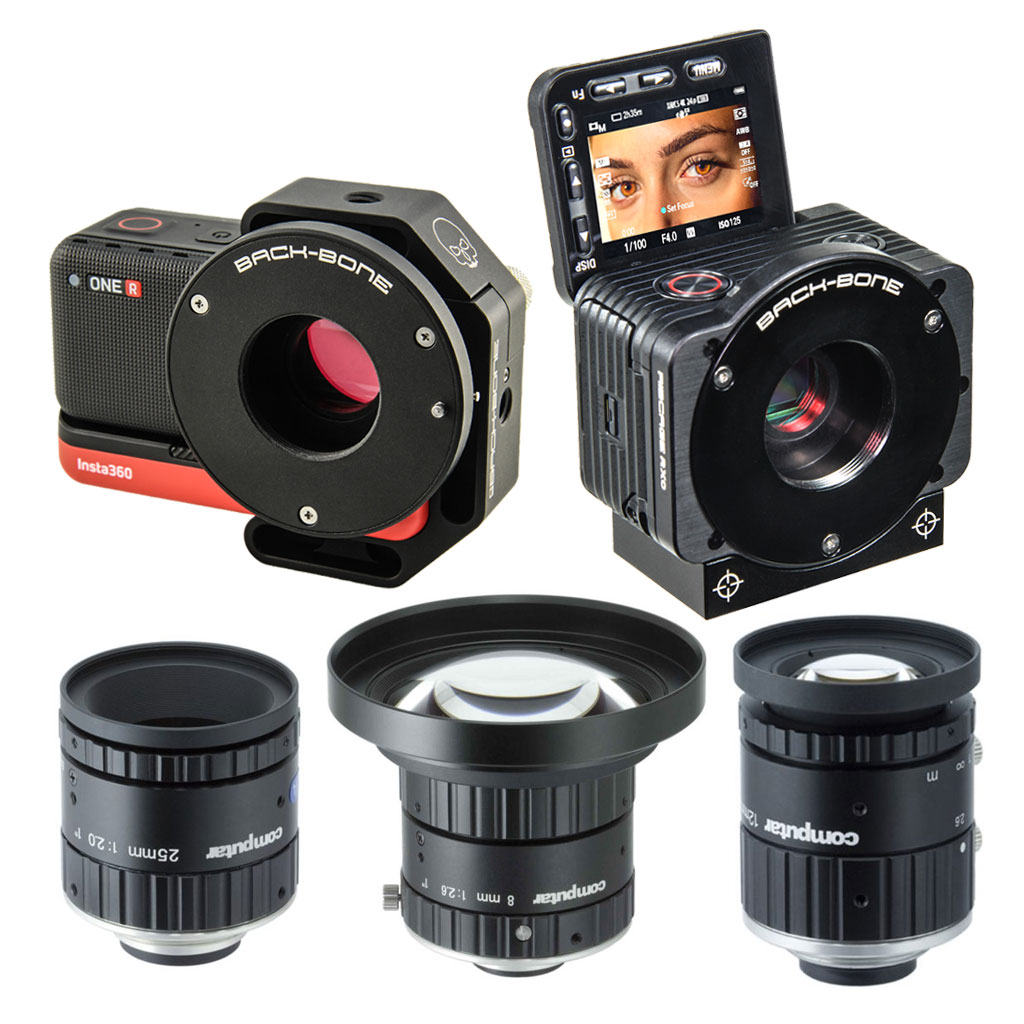 Insta360 ONE R 1-Inch / Ribcage RX0 II
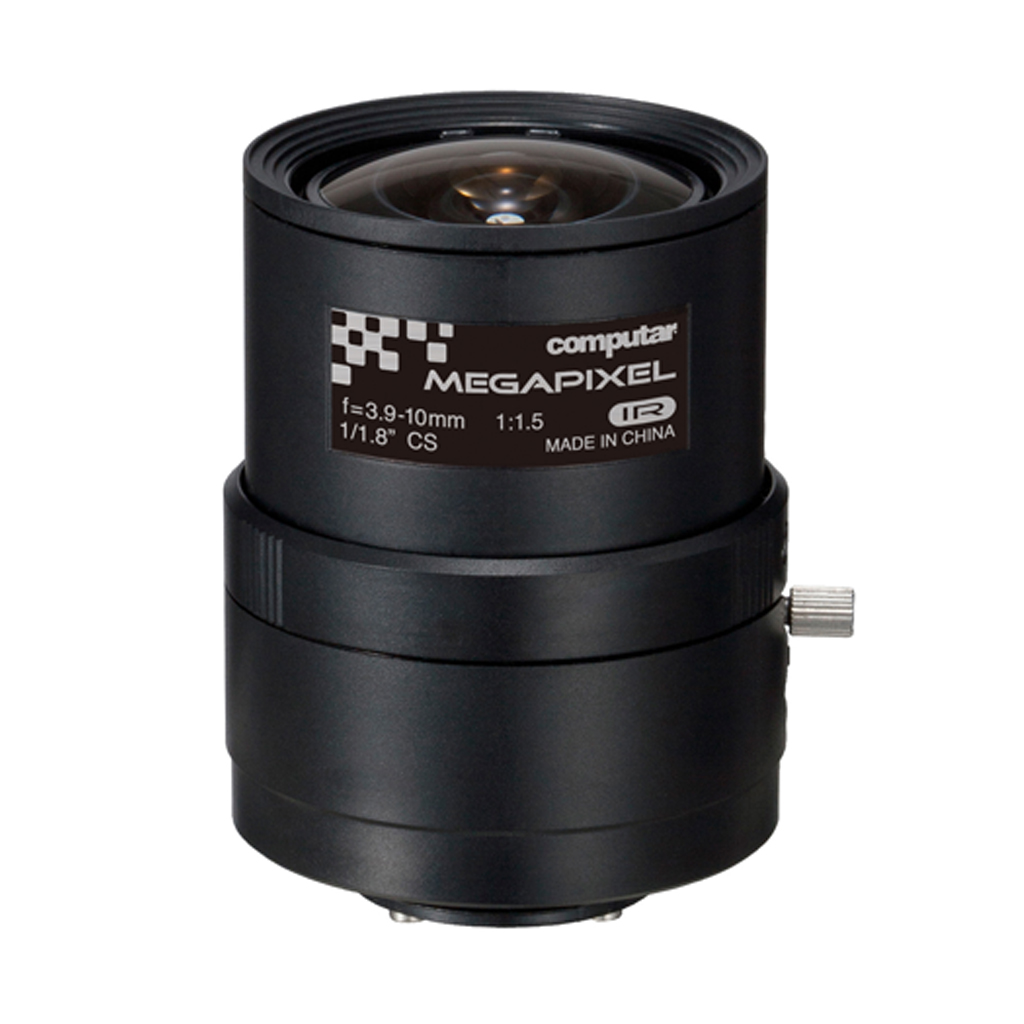 IR Corrected
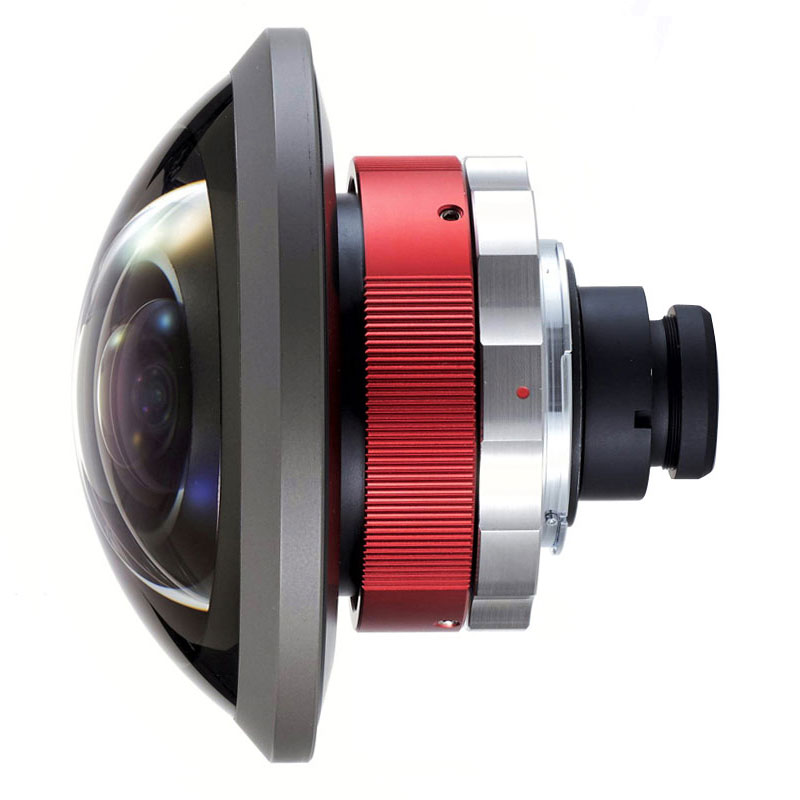 Entaniya
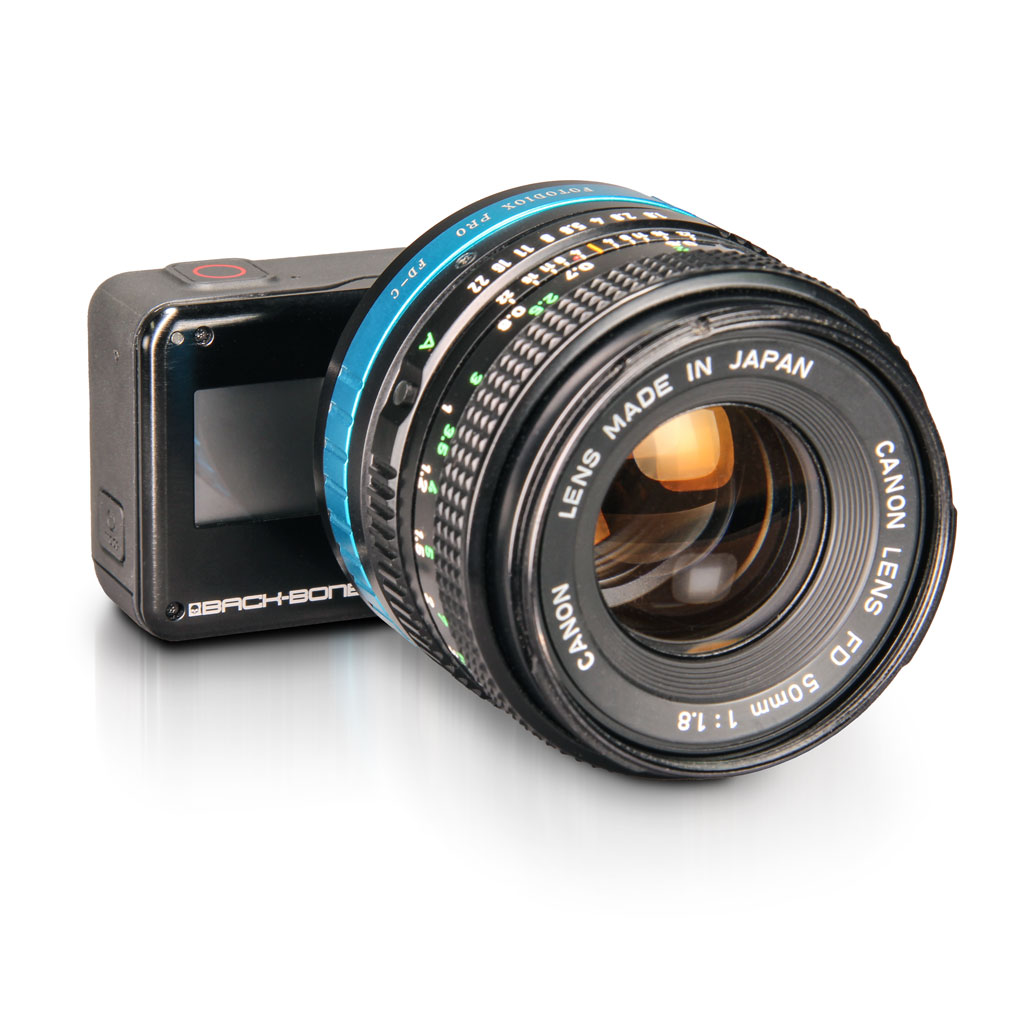 Adapters
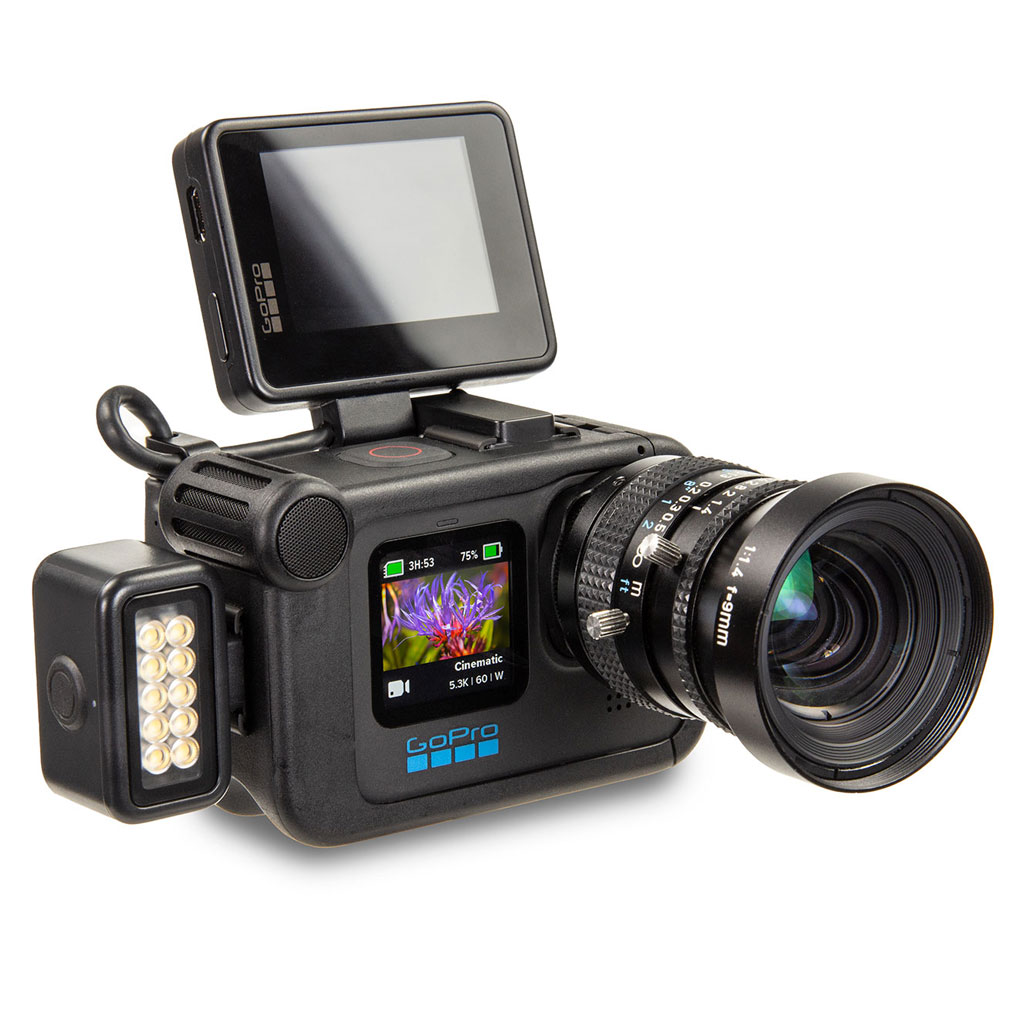 Accessories
 Filters
 Sony
Sony GoPro
GoPro Replacement Parts
Install / Remove the IR-Cut Filter
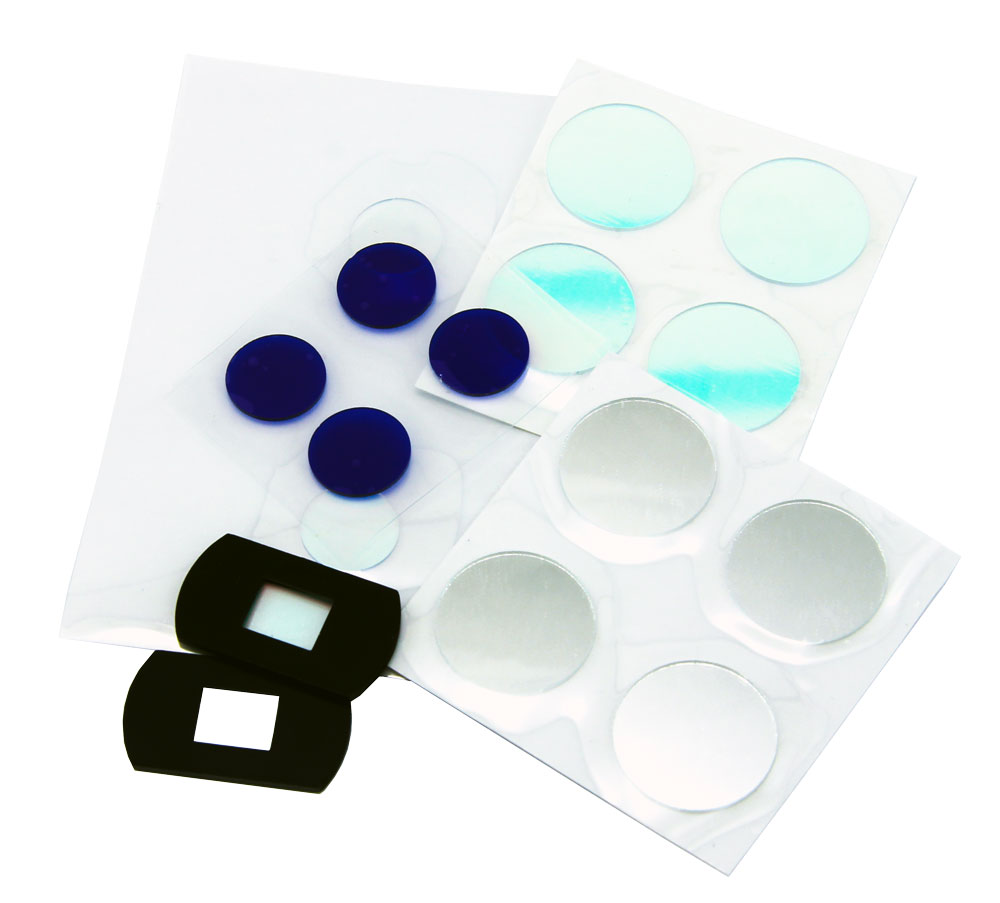
The IR-Cut filter blocks infrared light so that your images have normal color and is recommended for use with CS, C-Mount and most other lens types. It’s recommended that you use it at all times unless shooting in infrared. You may wish to remove it in order to clean, switch filter types or use wide angle M12 lenses that already have an integrated IR-Cut filter. A spare filter is located in the red baggie supplied in the kit. Replacement filters are available in the accessories section of our shop.
- Use a small tool to gently pop out the o-ring holding the filter in place
- Turn the camera over and drop the filter into a microfiber cloth
- If required, clean the sensor. We recommend using a Lenspen MiniPro followed by an air puffer. You can also use some lens spray and a microfiber cloth followed by a puffer. The same tools can be used to clean the filter itself.
- Hold the filter by the edges. With the camera at a 45 degree angle gently drop the filter into the socket. Take care not to drop the filter edge first onto the sensor.
- Replace the o-ring using a small tool. The thick o-ring has the most secure fit but it might prevent some M12 lenses (such as the original Insta360 4K lens) from focusing. You can optionally us the thinner o-ring in that case.