 Special Deals
 Legacy Products
 Limited Time Offers
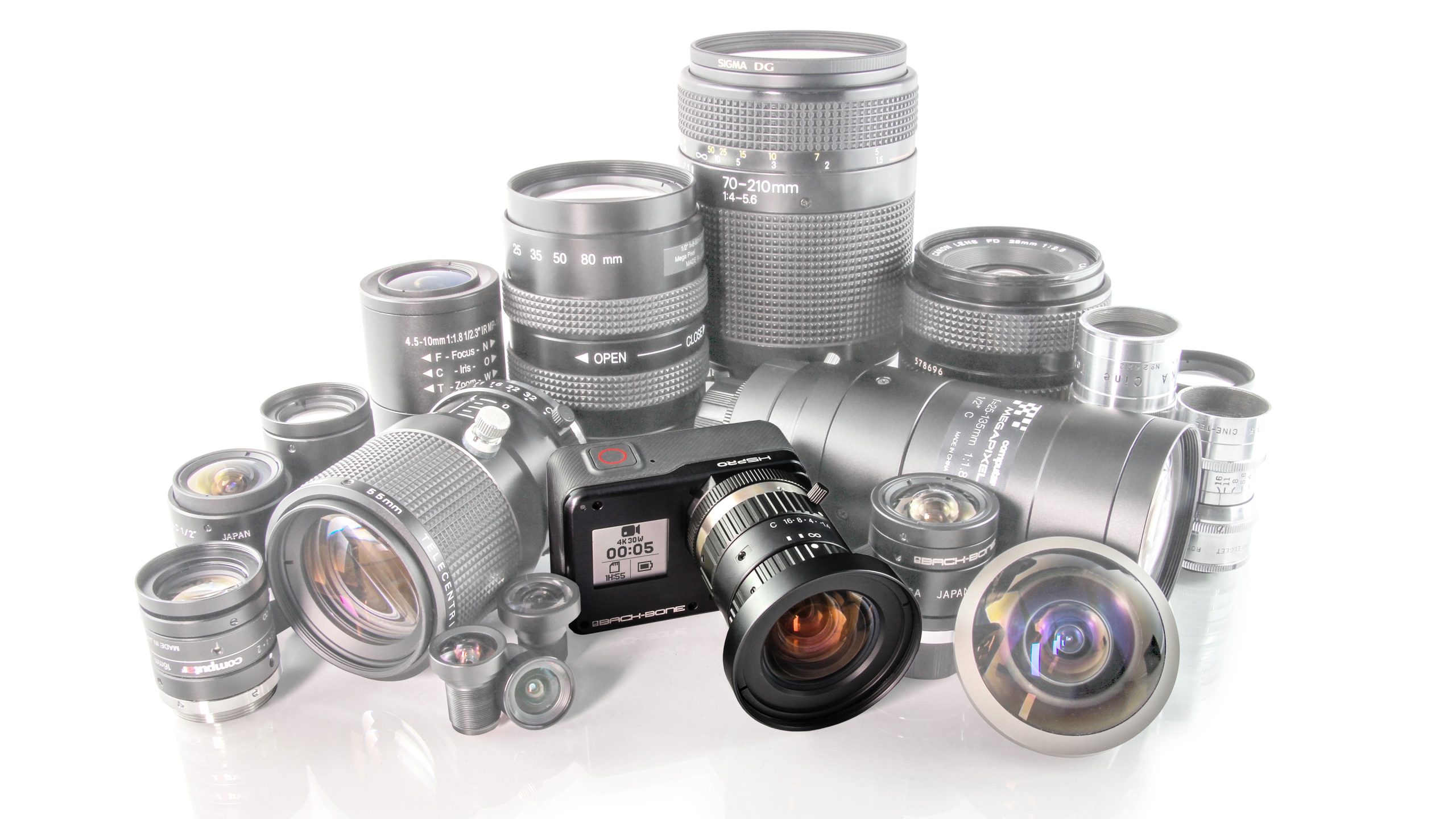 Open Box
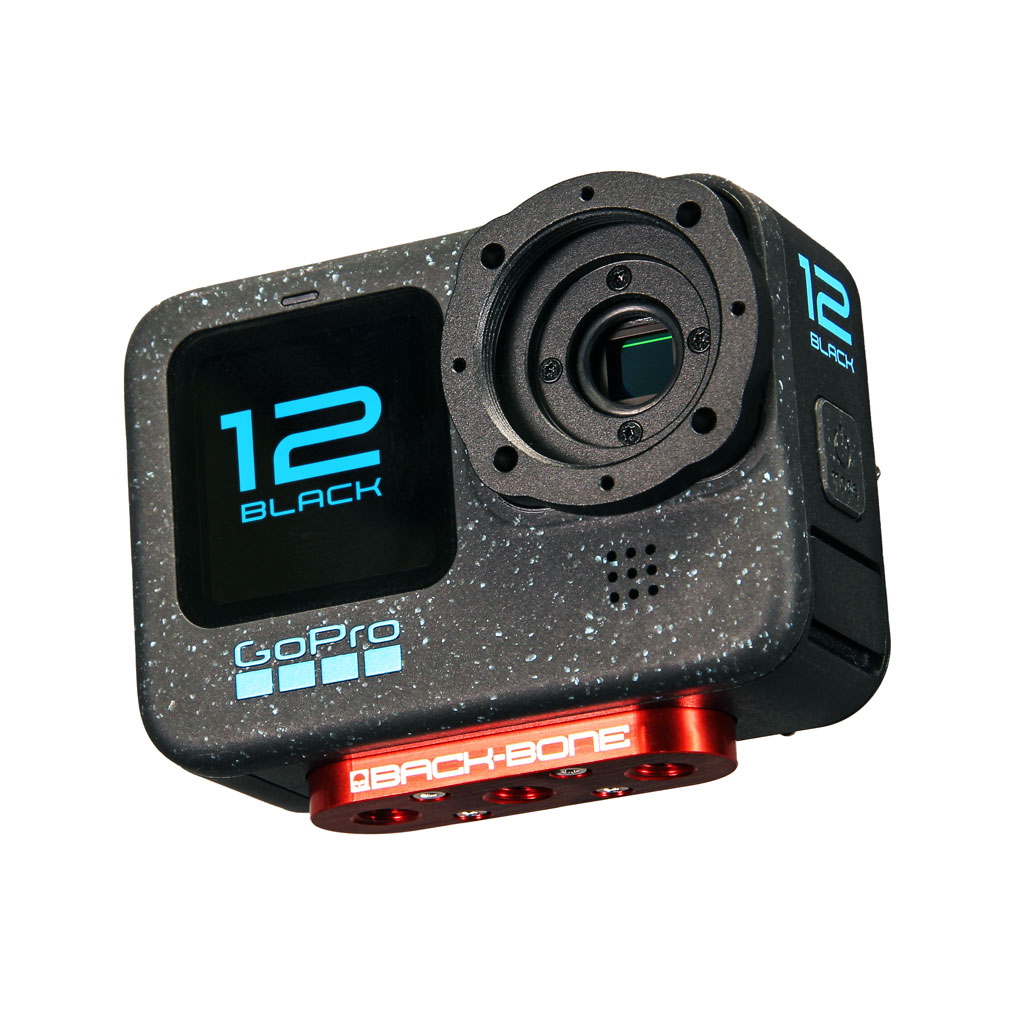 Modified Cameras and DIY Mod Kits
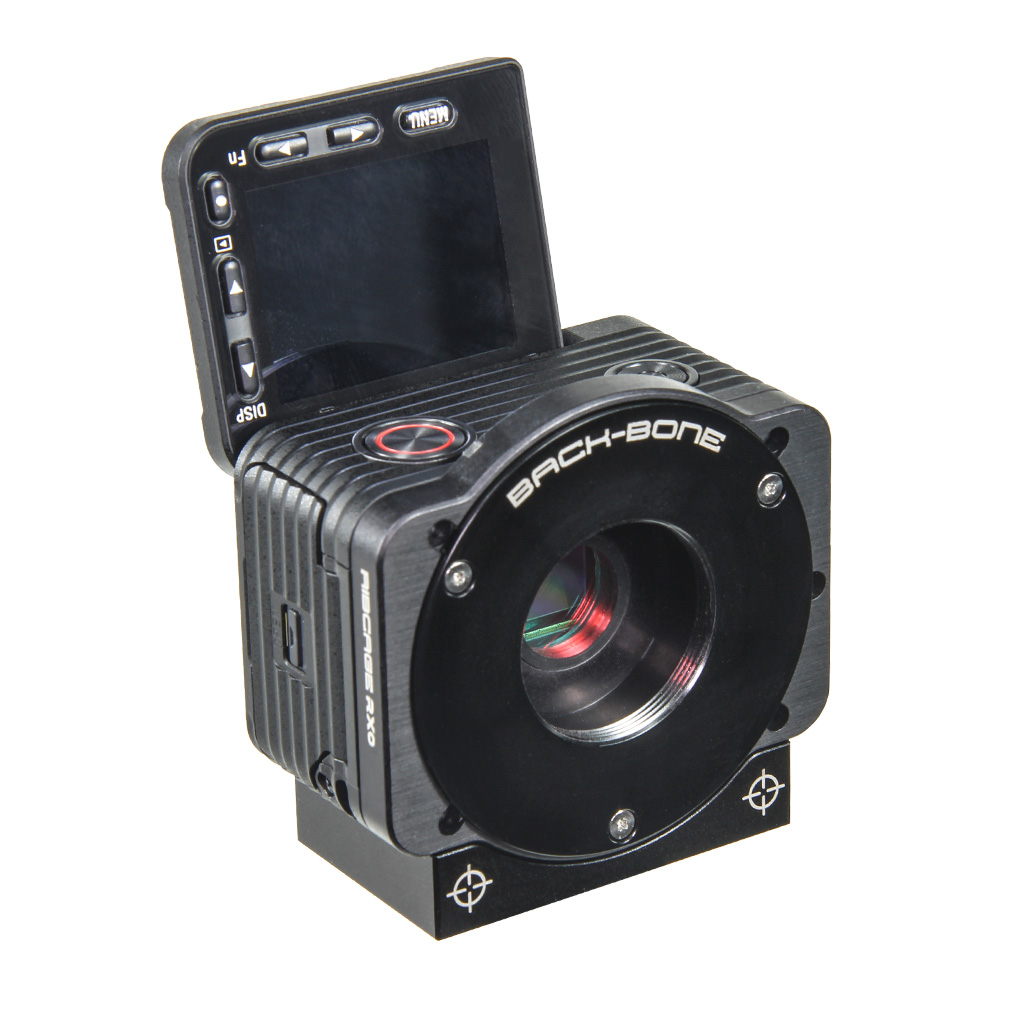 Cameras
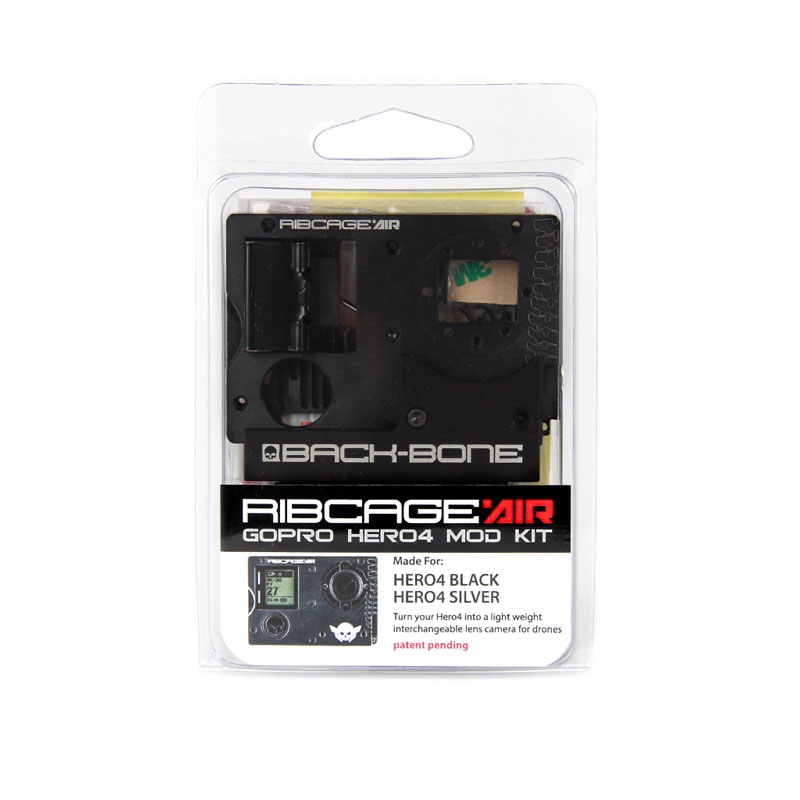 Mod Kits
 Installation Services
 Lenses
 CS-Mount & C-Mount
 M12
M12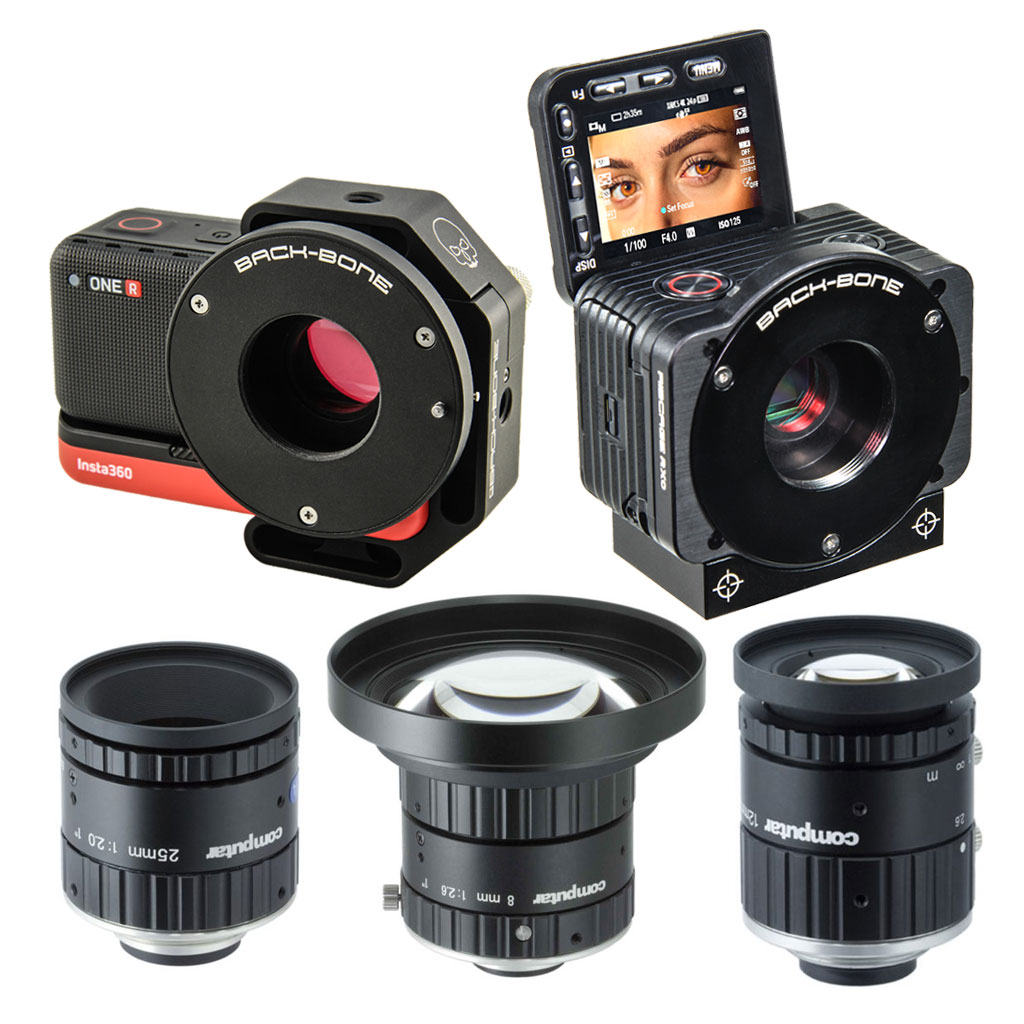 Insta360 ONE R 1-Inch / Ribcage RX0 II
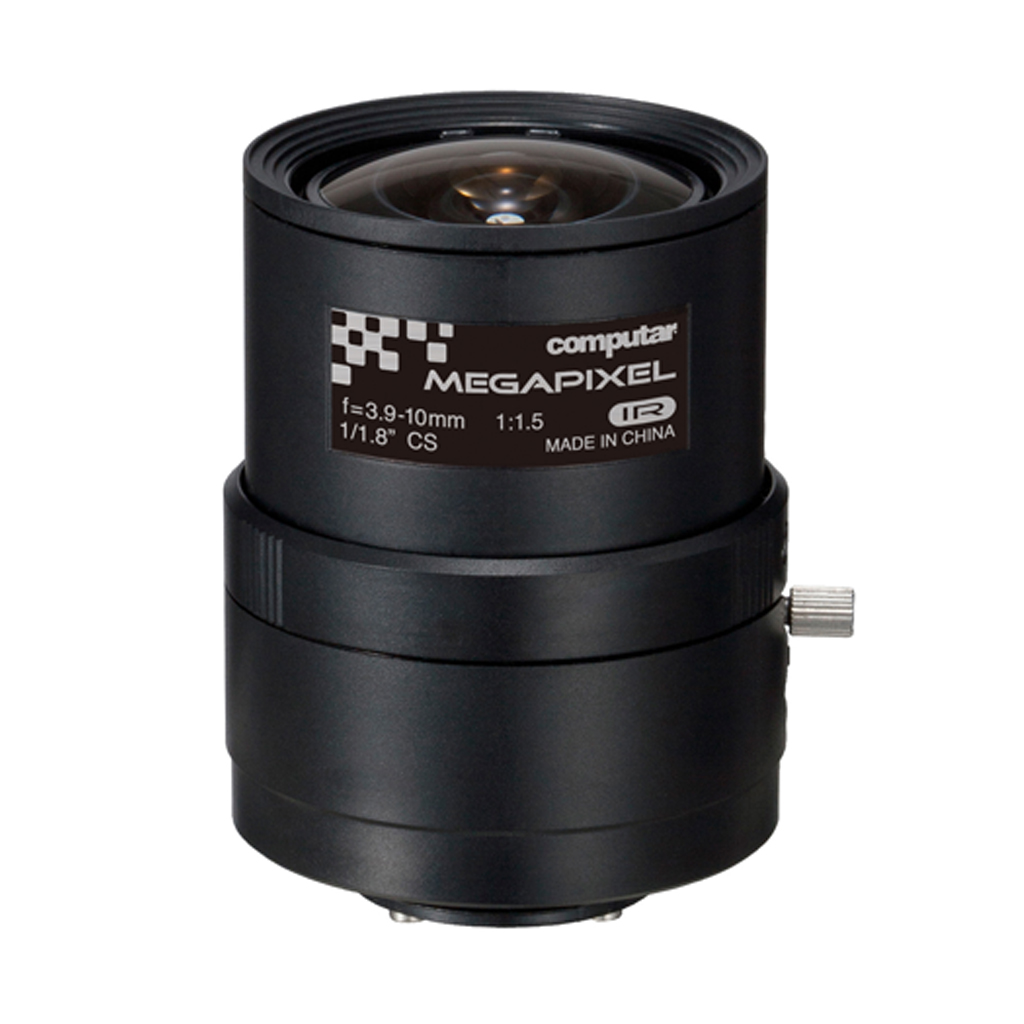 IR Corrected
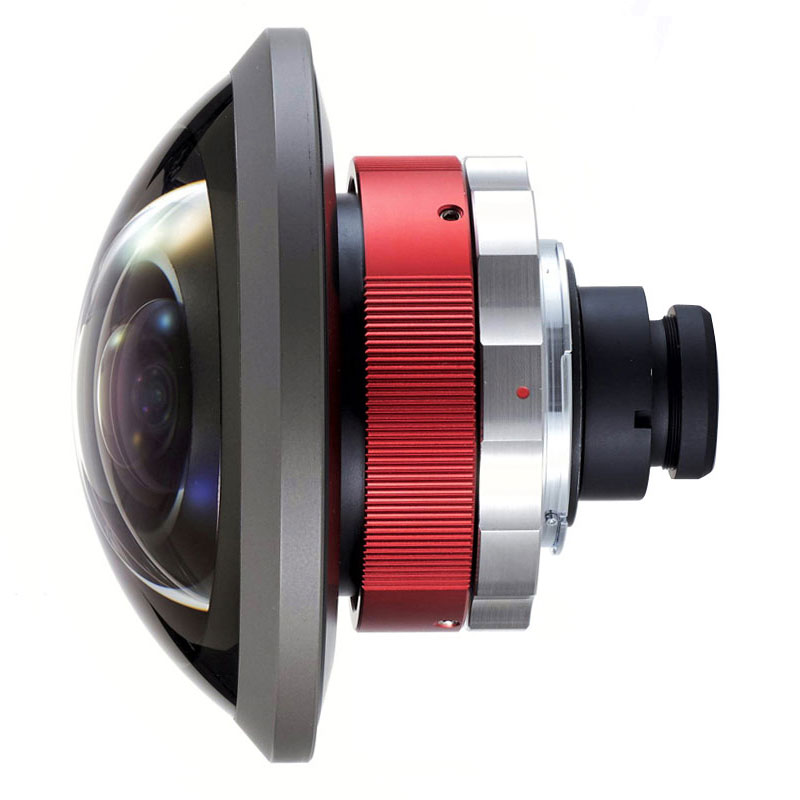 Entaniya
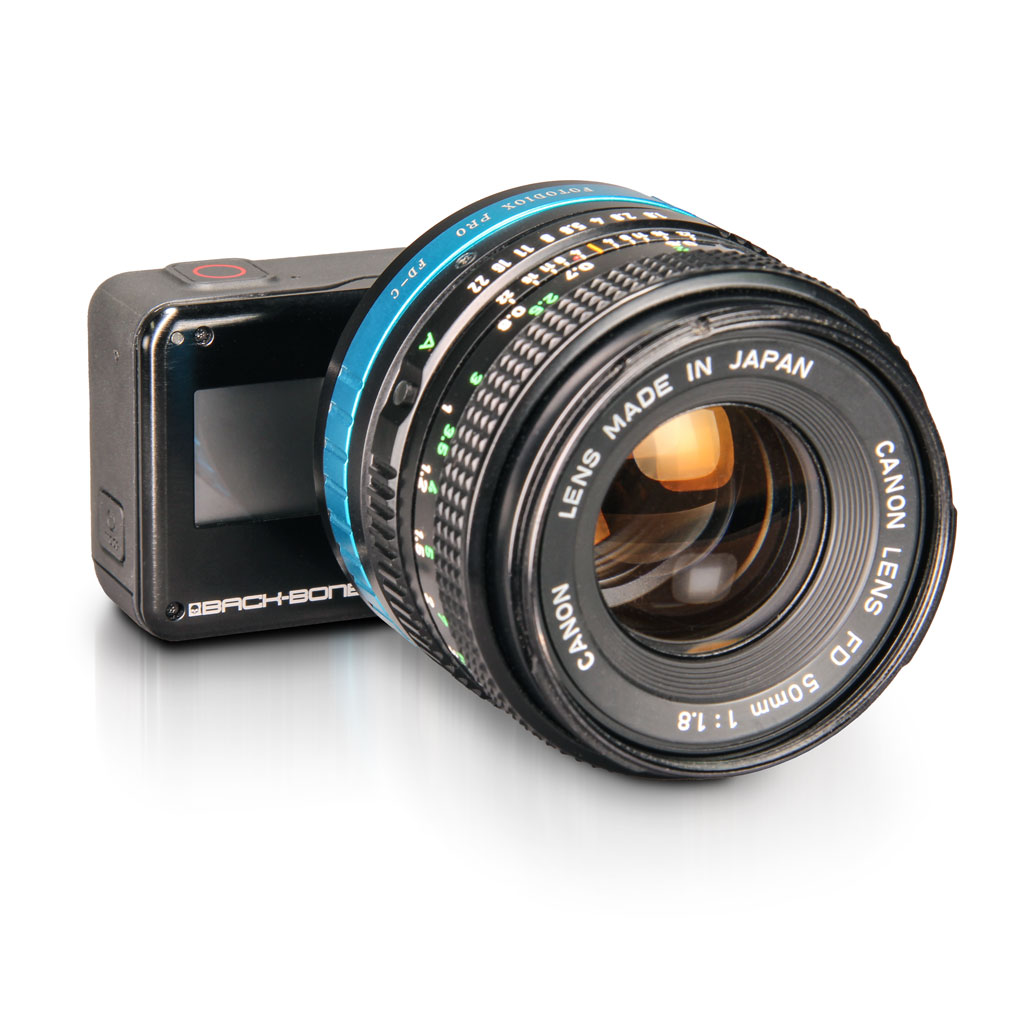 Adapters
 Accessories
 Filters
 Sony
Sony GoPro
GoPro Replacement Parts
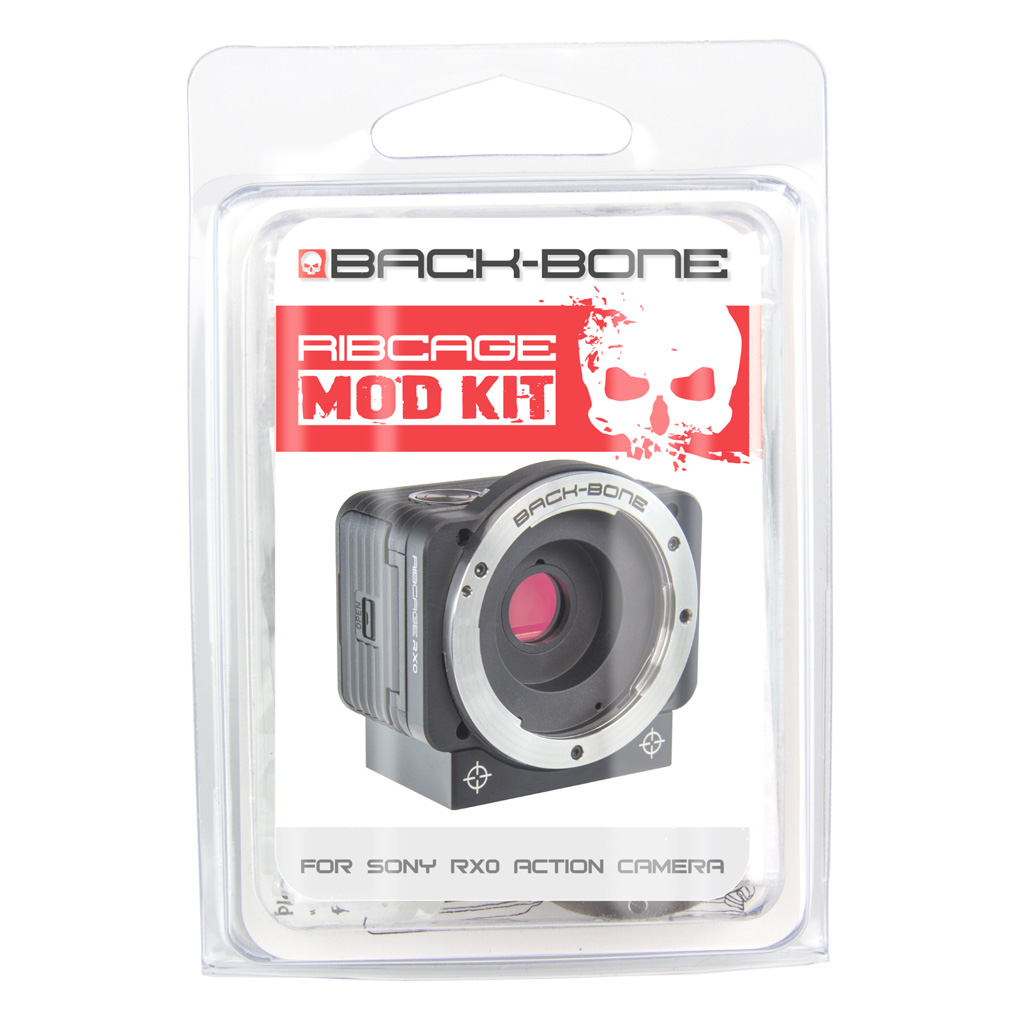
Before You Get Started
We recommend that you watch the installation video first to make sure you are comfortable with all the steps. If not please contact us using the form at the bottom of the page and we can arrange to have it installed for you. Be sure to save and label all screws and parts as directed by the video.
The main installation video shows how to tear down and rebuild your Sony RX0 into a Ribcage RX0 in MFT configuration. Below the main video there are instructions for setting up the camera as C-Mount and for installing the IR-Cut filter. Installing the IR-Cut filter is a required step for accurate color in your images. Links to those videos can also be found at the end of the main installation guide.
Before opening up your camera:
- Update Firmware
- Charge Battery
- Test Camera Functionality
- Remove SD card & Battery