

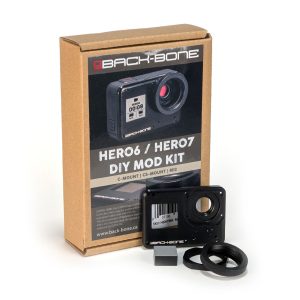
Before You Get Started
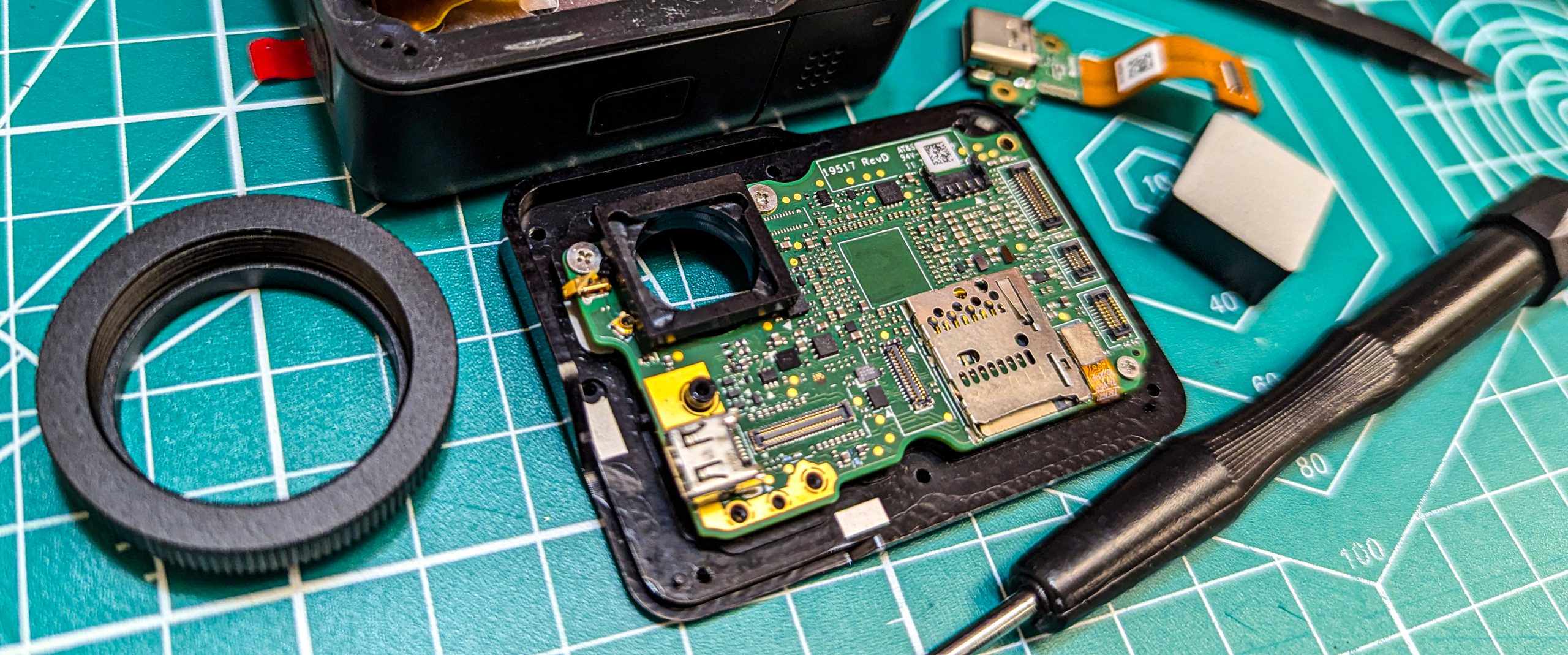
We recommend that you watch the installation video first to make sure you are comfortable with all the steps. If not please contact us using the form at the bottom of the page and we can arrange to have the kit installed for you. Be sure to save and label all screws and parts as directed by the video.
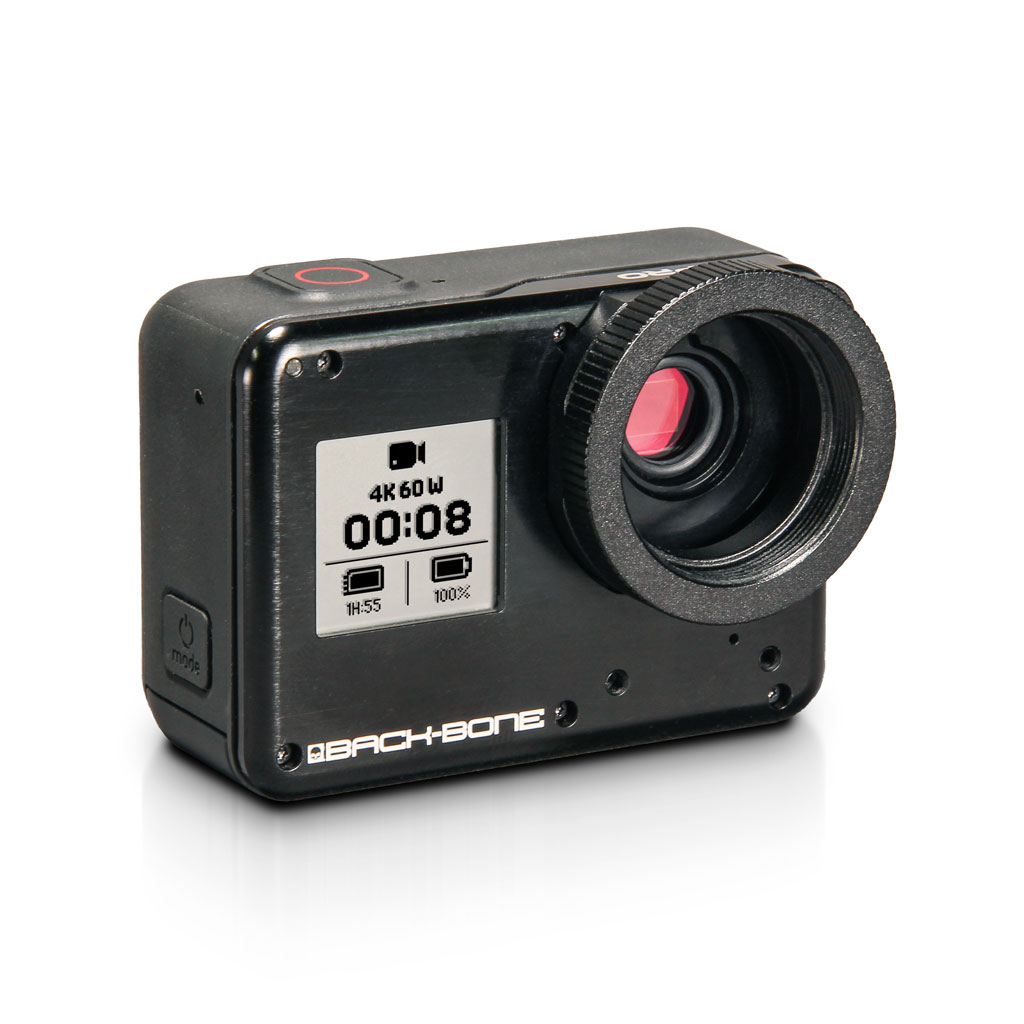
This installation video shows how to tear down and rebuild your GoPro HERO6 Black or HERO7 Black into our modified H6PRO or H7PRO cameras. Please note that other GoPro models are not compatible with this kit.
Before opening up your camera:
- Update Firmware
- Charge Battery
- Test Camera Functionality
- Remove SD card & Battery
Tools Required:
Included:
- Torx T3
- Phillips #00
- 2x Plastic Spudger
- L-Key
- Cutters
- File
- Rubber Ring
- Pry Tool
- Clamp
- CMOS Algnment Spacer
- Glue
Other Recommended Tools
- Fine Tipped Tweezers
- Utility Knife
- Isopropyl Alcohol (99.9% if possible)
- Super Glue (Thin)
- Large Pliers or Vise-Grips
- Heat Gun / Hair Dryer
Recommended for Cleaning
- Air Puffer
- Microfiber Cloth
- LensPen MiniPro
- Cotton Swabs
Kit Installation Instructions
Visit our camera guide page for helpful information about mounting lenses, cleaning and more! https://www.back-bone.ca/h5pro-guide/
Support
Got a question? For help with our products please visit www.back-bone.ca/support or email us